 Nubo Suite
Think out loud on an endless canvas.
An online whiteboard for teams and workshop leaders. Sketch alone or invite others onto the same board, using sticky notes, frames, freehand drawing and templates, and run a workshop with voting and a timer. Included in every Nubo plan, at one per-seat price for all apps.
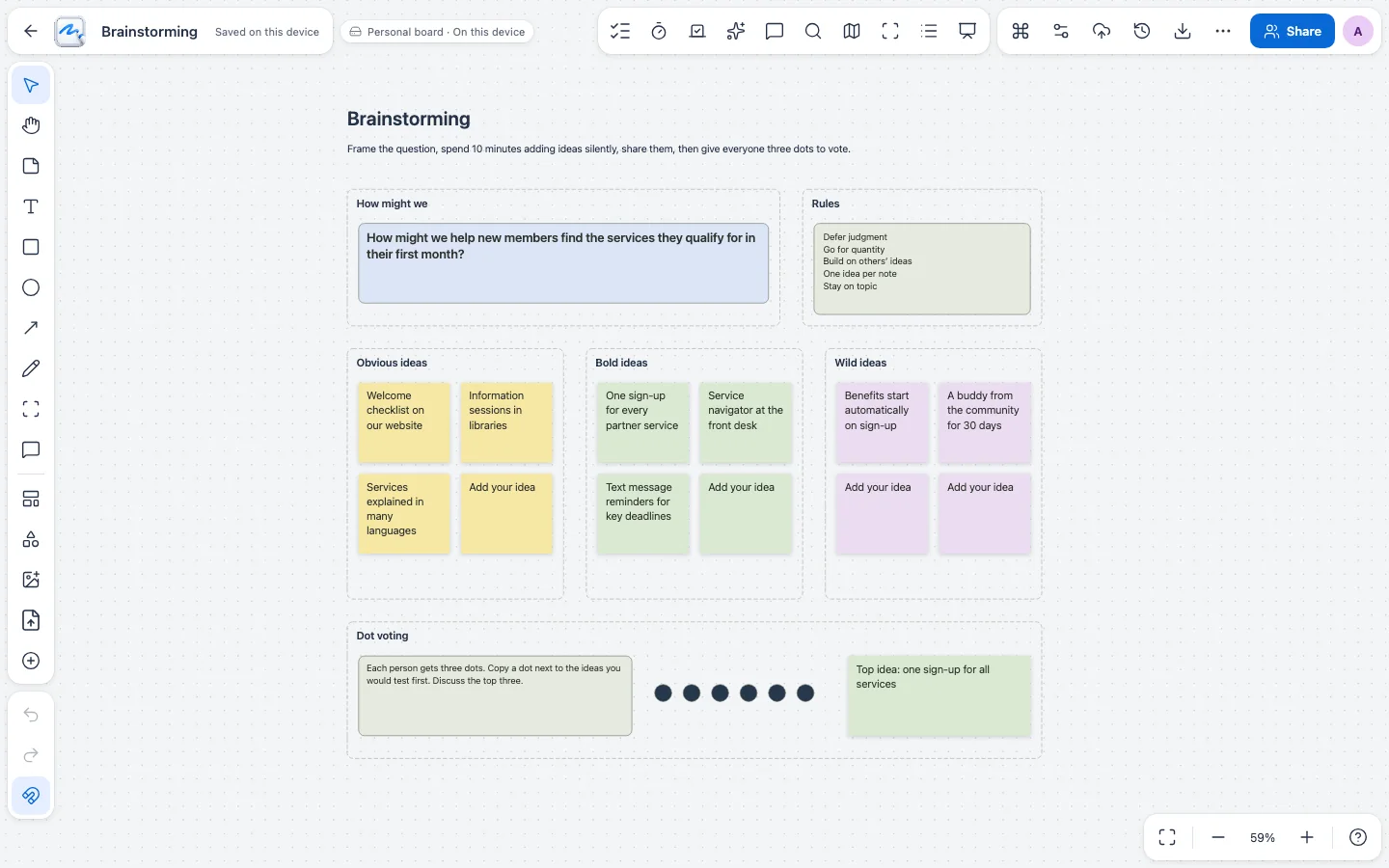
- Infinite canvasZoom, pan and fit, with a minimap to jump around.
- Live boardsNamed cursors and simultaneous editing.
- 58 templatesIn nine categories, with reusable components.
- Workshop toolsDot voting, polls, reactions and a shared timer.
Start with a note, end with a plan.
Place sticky notes, text, shapes, arrows, frames and images, or draw freehand with a mouse, pen or finger. Press Ctrl/Cmd+K to find any command.
Run the session from the board.
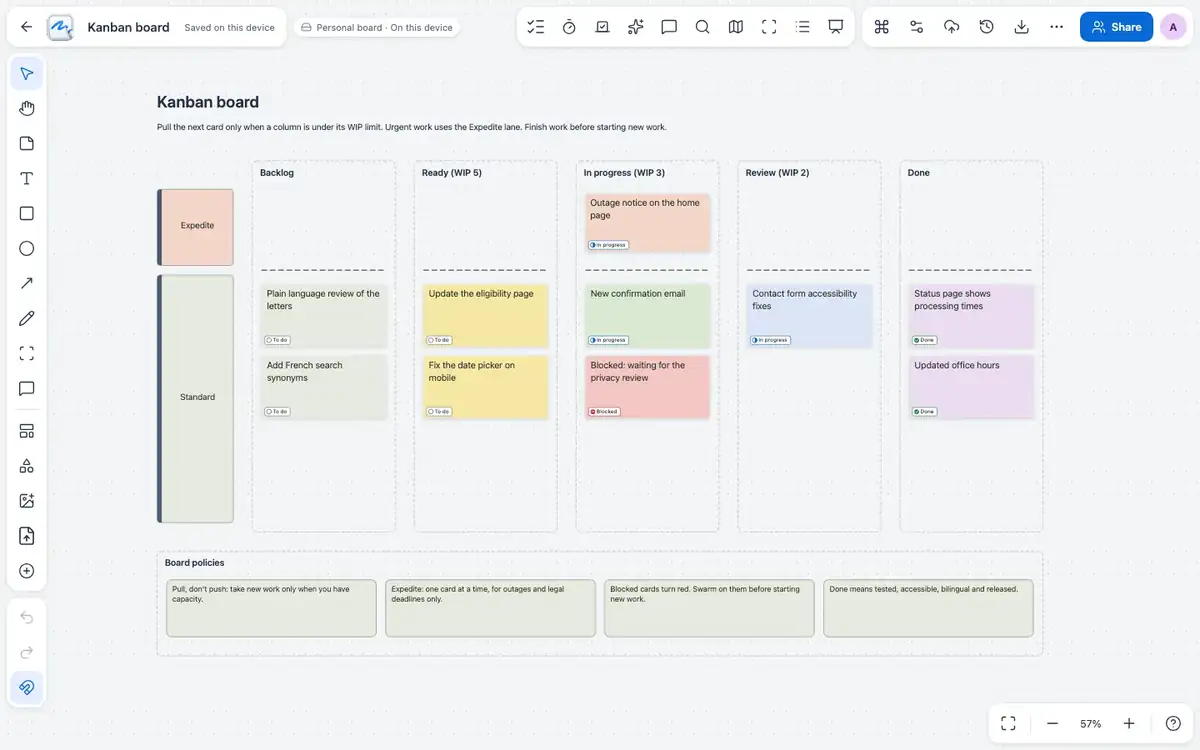
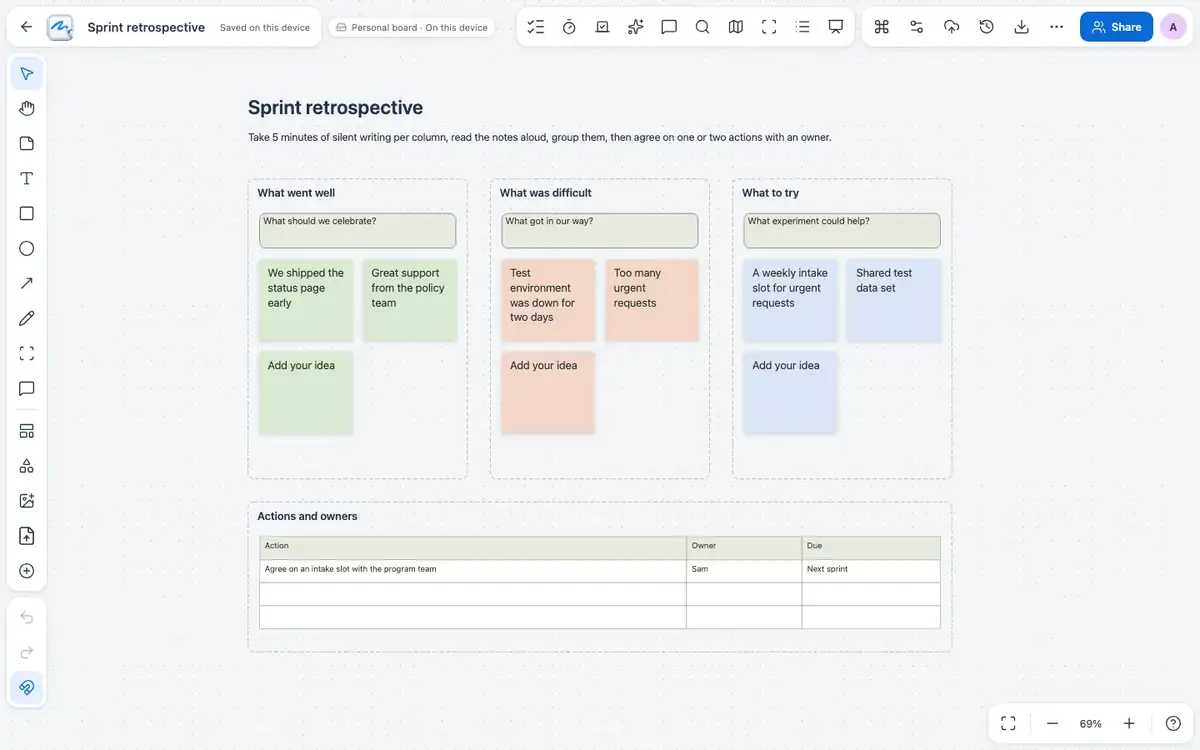
Vote with dots, run polls, keep new notes face down until you reveal them, lock the board and bring everyone to your view. A summary lists contributions and exports to CSV.
Turn notes into tasks.
Give a note a status, assignee, dates and priority, then open the Tasks view to filter, group and export to CSV or Excel.
And everything around it.
Comments
Pin threaded comments to the board or an object, then resolve them.
Mind maps
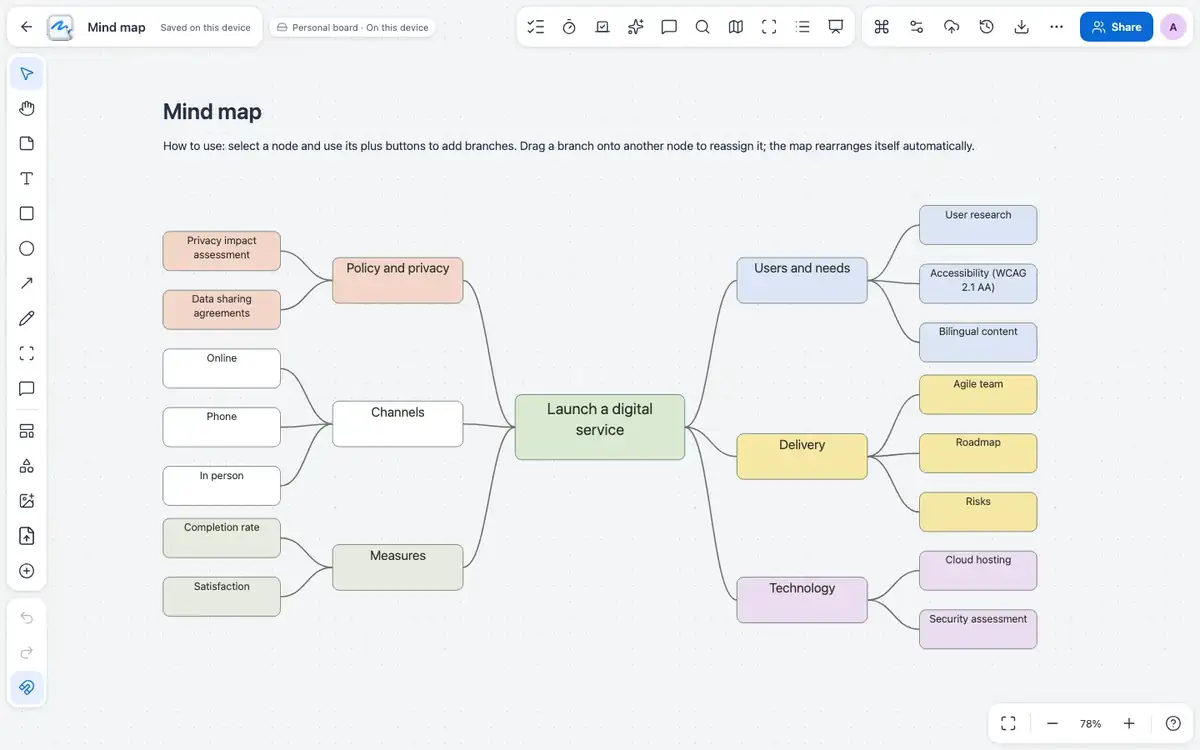
Build branching nodes alongside notes.
Find on board
Search text, table cells, links and file names.
Grid and snap
Line or dot grid with optional snapping.
Library
Search, favorite, duplicate and restore boards from Trash.
Object links
Link to a website or to another object on the board.
Works with the rest of Nubo.
Whiteboard shares your Nubo sign-in with every other app.



Frequently asked
- Can I keep a board private?
- Yes. Boards can stay personal or be shared for simultaneous editing.
- What can people do on a shared board?
- It depends on the role: viewers can follow along and facilitators control votes, locks and timing.
- Does it work on a tablet?
- Yes. It handles touch pinch zoom and pen input.
Whiteboard is included in every plan.
GST (18%) extra. Compare plans