 Nubo Suite
A notebook where you write anywhere.
A notebook app for personal and team notes. Organize notebooks into sections and pages, then click anywhere on a page to start writing: type, draw, record or drop in a PDF. Included in every Nubo plan, at one per-seat price for all apps.
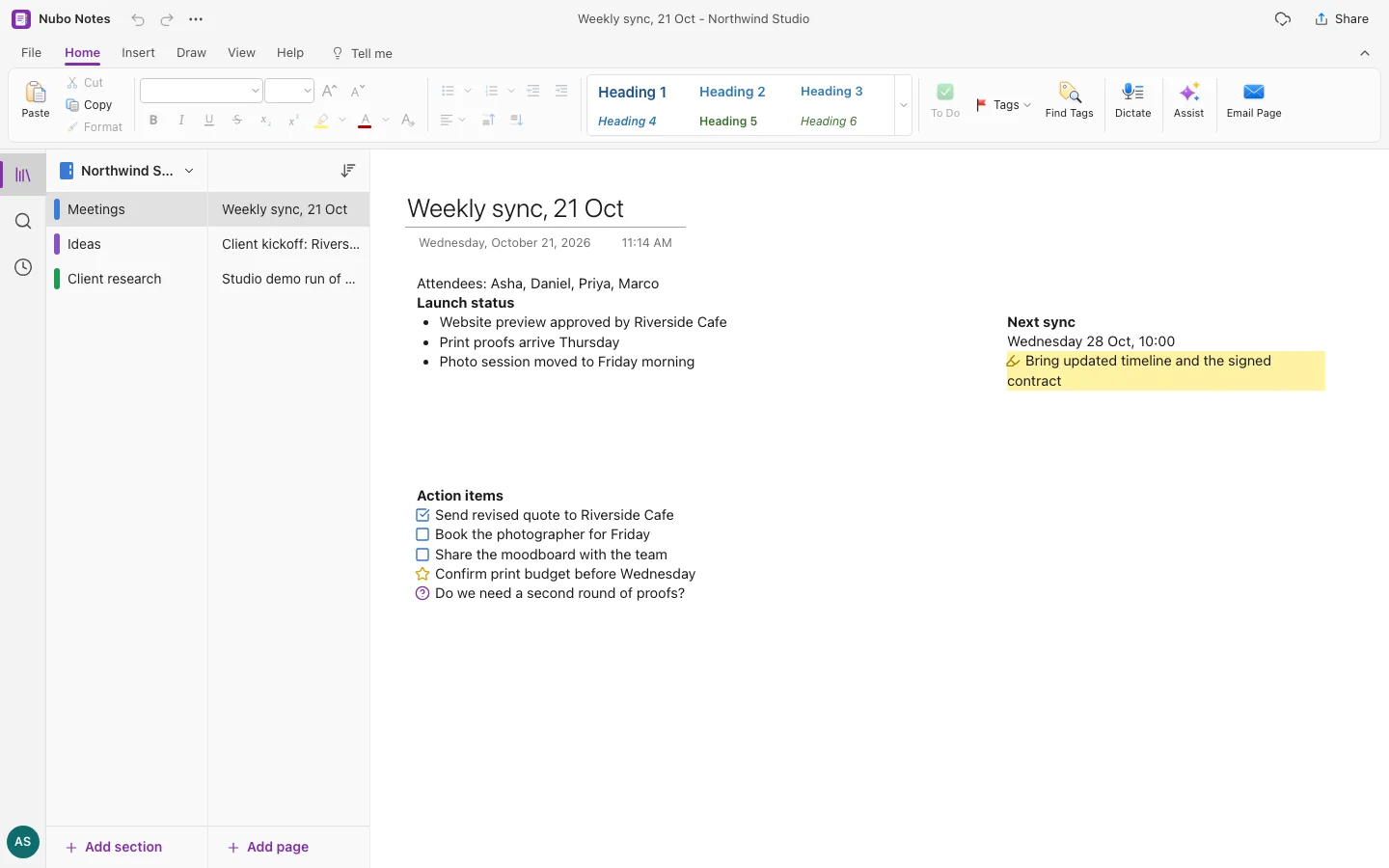
- Free-form pagesPlace note containers wherever you like.
- InkPens, highlighters and shape recognition.
- TagsTo-dos, questions, definitions and 20+ more.
- SearchAcross all notebooks, one notebook or a section.
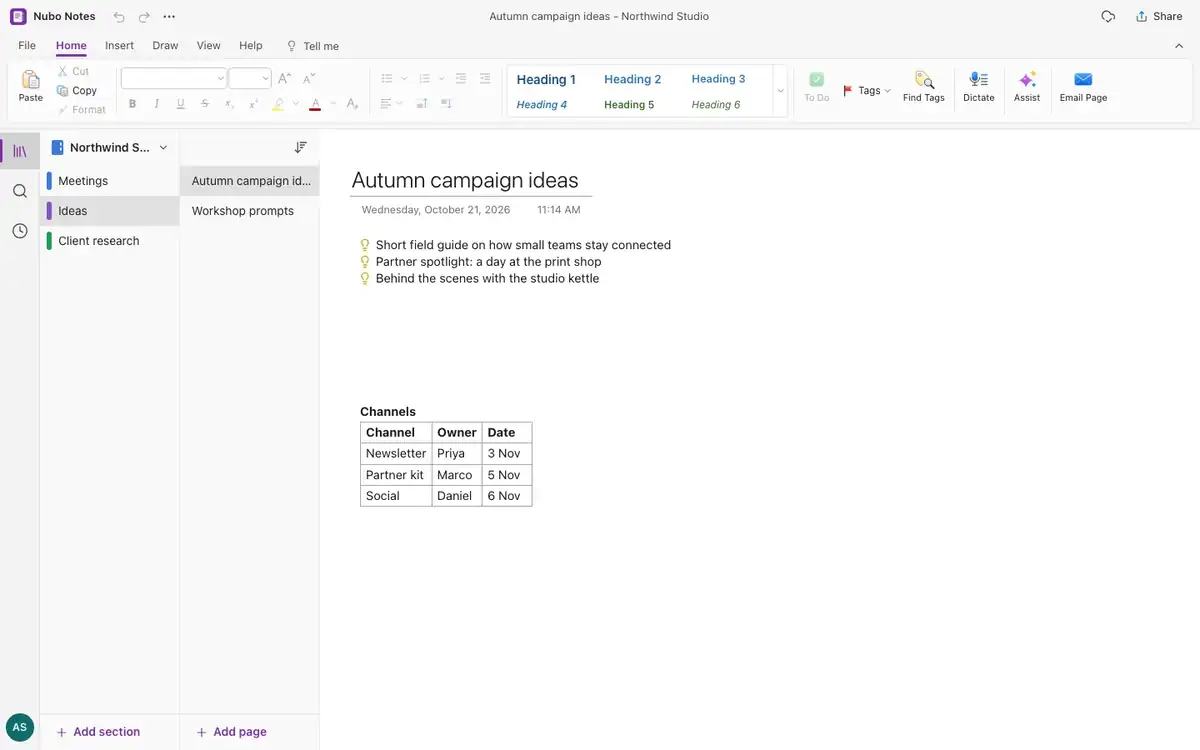
Notebooks, sections, pages.
Colored section tabs, nested section groups and pages with subpages. Drag pages to reorder or move them, and copy links to any page or section.
Write, draw, record.
Type with rich formatting, draw with pressure-sensitive pens, insert pictures, tables, equations in LaTeX, audio and video recordings, or PDF pages as pictures.
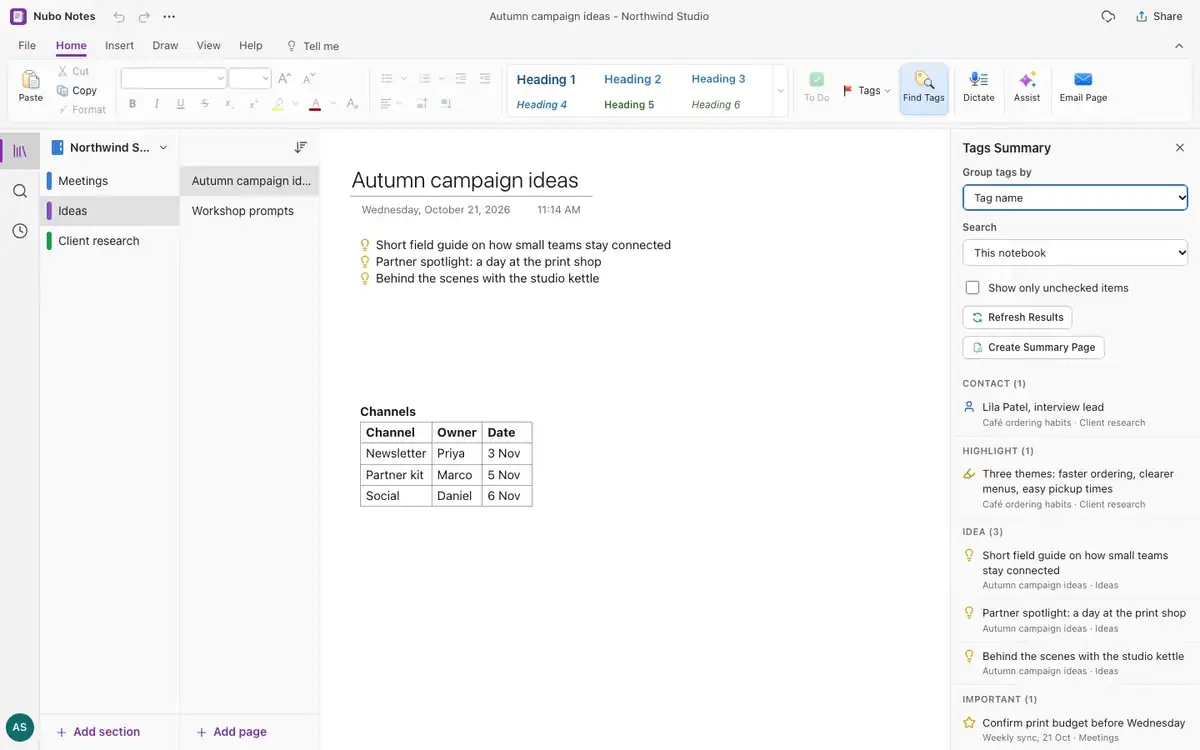
Tags that gather your to-dos.
Tag a line as a to-do or important item with a shortcut. The tag summary lists every tagged note, lets you check off to-dos and builds a summary page.
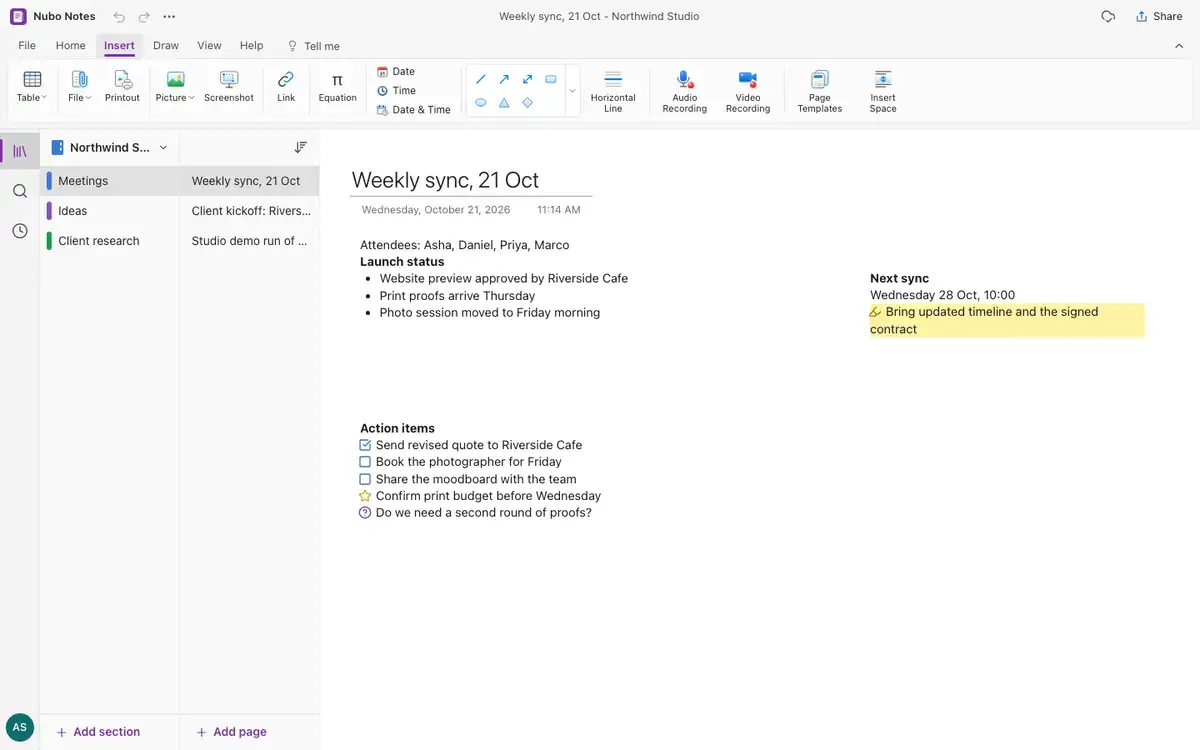
And everything around it.
Page templates
Meeting notes, weekly planner, lecture notes, journal and recipe.
Share a page
Publish a read-only link for 1 day to 1 year, and revoke it any time.
Export
Pages as HTML, Markdown or text, or print and save as PDF.
Backup
Save a notebook to a single .json file.
Import
Bring in Markdown and HTML.
Command search
Press Alt+Q to run any command by name.
Works with the rest of Nubo.
Notes shares your Nubo sign-in with every other app.


Frequently asked
- Does it work with a stylus?
- Yes. Pens and highlighters respond to pressure, and drawn shapes can snap to neat lines, ellipses, rectangles and triangles.
- Can I share a page with someone?
- Yes. Publish a read-only link with an expiry, copy a page link or email a page.
- Is Notes for teams?
- It is a personal notebook. For shared pages, use Wiki.
Notes is included in every plan.
GST (18%) extra. Compare plans