 Nubo Suite
Documents that open anywhere.
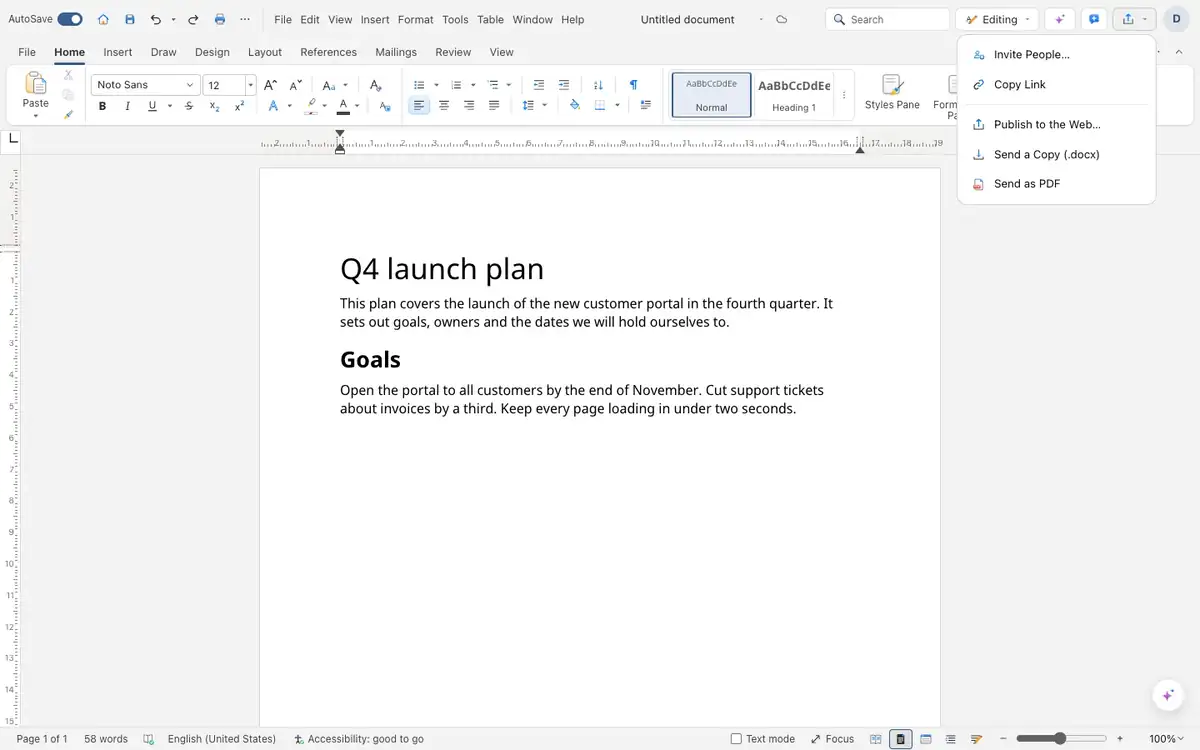
A word processor for reports, letters and proposals. Files are real .docx, so they open anywhere. Review with tracked changes and comments, then save the document as a PDF when it is ready. Included in every Nubo plan, at one per-seat price for all apps.
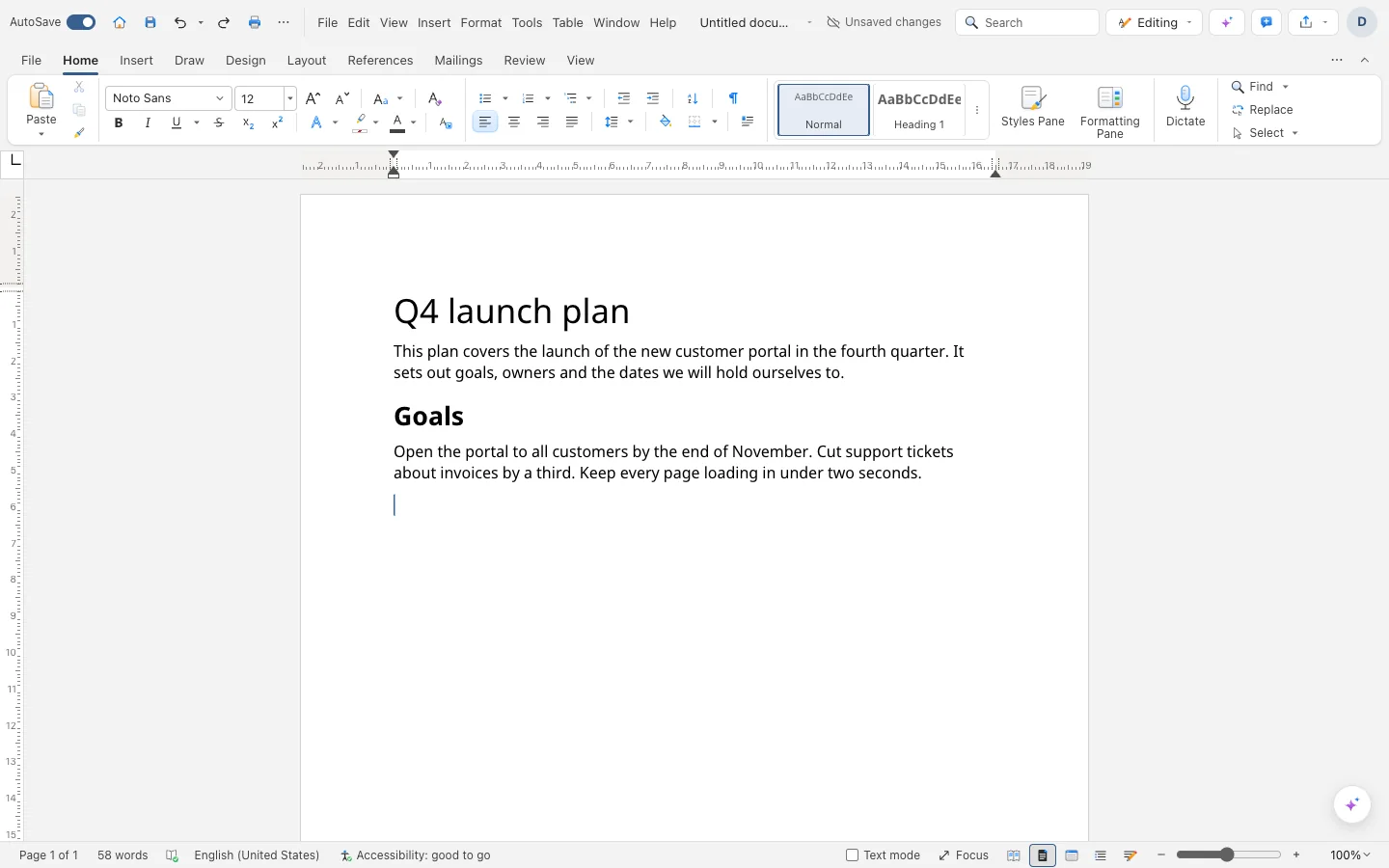
- .docx filesOpen and save documents in the common standard format.
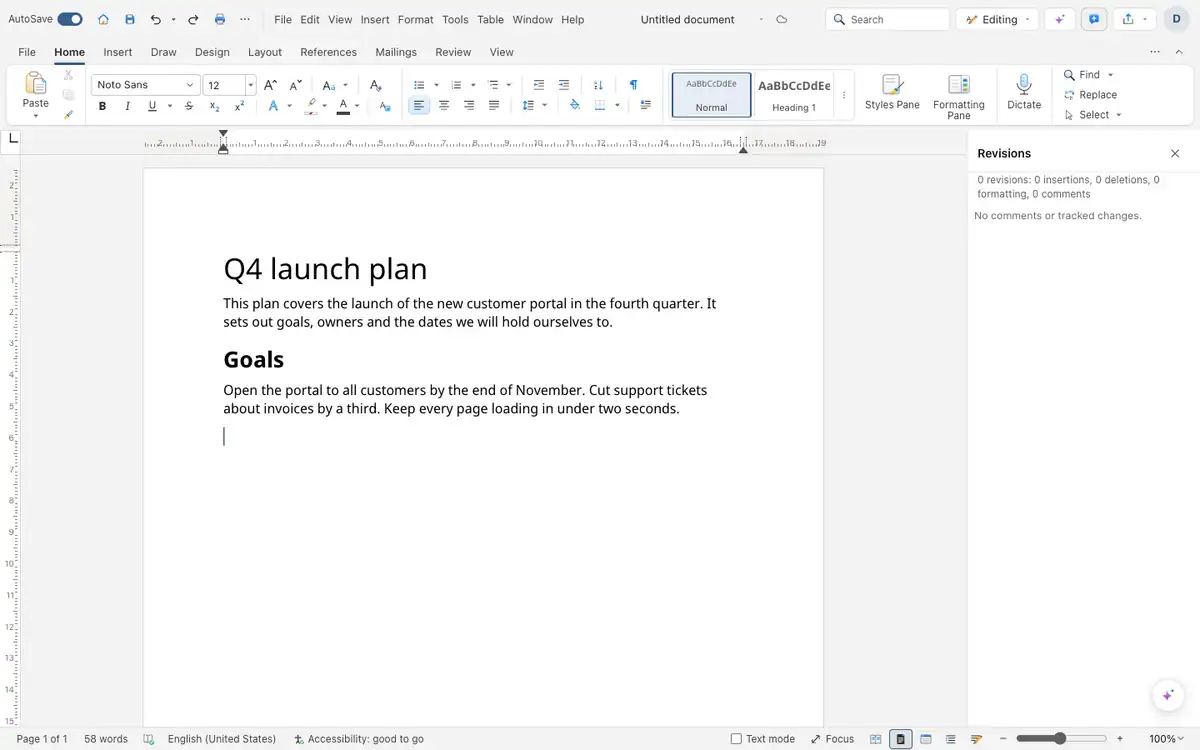
- Track changesRecord edits, accept or reject them, view with or without markup.
- CommentsThreads in the margin that you can reply to and resolve.
- Save as PDFExport with searchable text.
Pages that look like pages.
Control indents, tab stops with dot or dash leaders, widow and orphan lines, headers, footers and page numbers, with a different first page when needed.
Long documents stay navigable.
Insert a table of contents, footnotes at the foot of the page, captions and cross-references, then update fields with F9.
Feedback without the email chain.
Reviewers comment in the margin and suggest edits with tracked changes. Switch between All, Simple, No Markup and Original views to read what changed.
And everything around it.
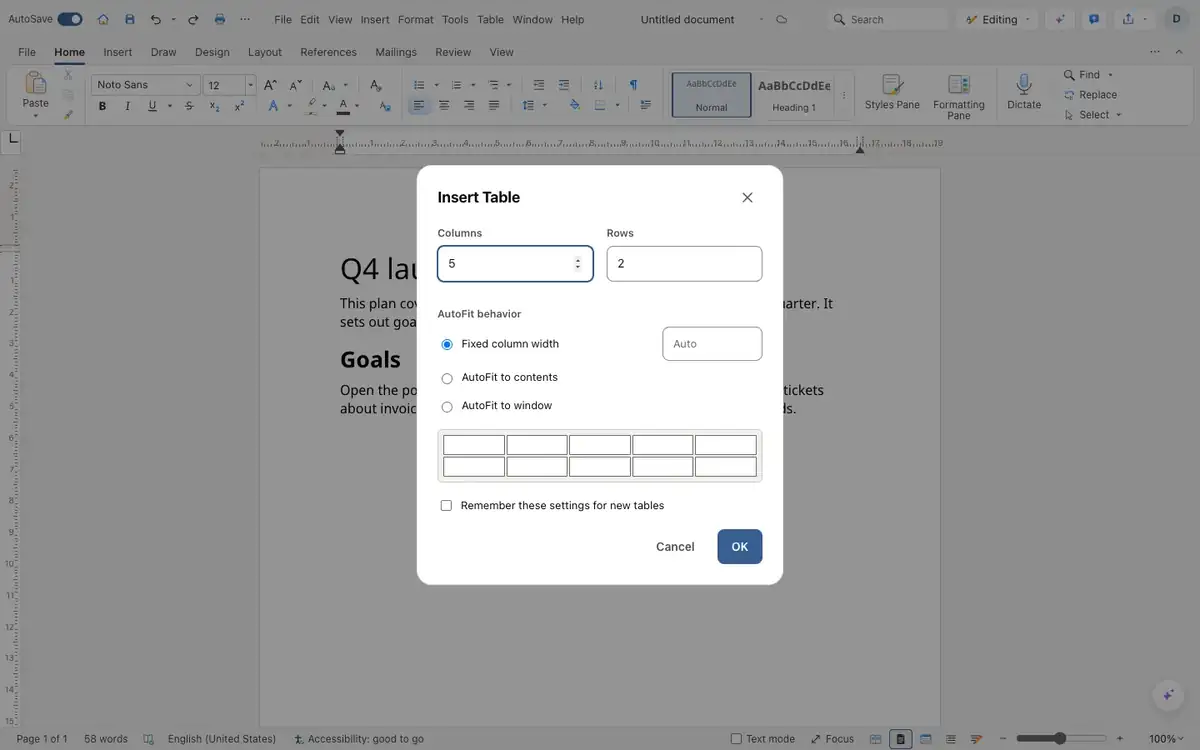
Tables
Merge cells, let rows flow across pages and repeat header rows.
Text formatting
Highlighting, super and subscript, strikethrough and character spacing.
Reading aloud
Your browser reads the document to you.
Familiar fonts
Metric-compatible substitutes for common fonts keep line breaks in place.
Cloud files
Documents save to your own Nubo files.
Equations
Equations in imported files are shown in linear form.
Works with the rest of Nubo.
Write shares your Nubo sign-in with every other app.



Frequently asked
- Will my existing .docx files open correctly?
- Write opens .docx files and keeps content such as fields, hidden text and tracked formatting. Very complex files may differ, so check important ones.
- Can several people edit at once?
- Yes. Share a document and the people on it edit together in real time.
- Where are documents stored?
- In your Nubo files, as .docx.
Write is included in every plan.
Taxes are added at checkout where they apply. Compare plans