 Nubo Suite
Type it the way you'd say it.
A to-do list for individuals and teams. Write a task like pay rent friday 9am every month and the date, repeat and priority are picked out for you. Lists can be private or shared with colleagues. Included in every Nubo plan, at one per-seat price for all apps.
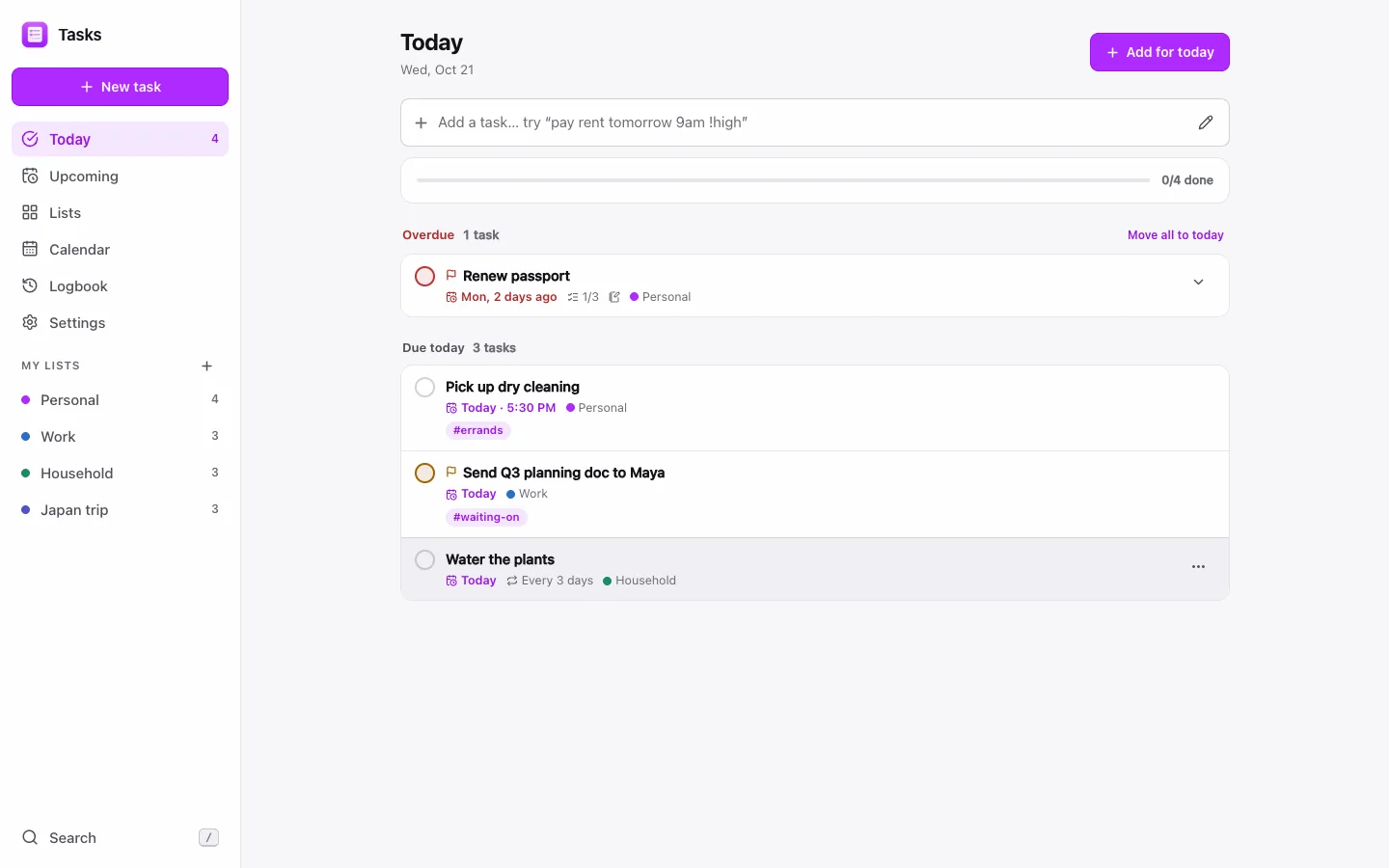
- Quick addDates, priority, tags and lists parsed as you type.
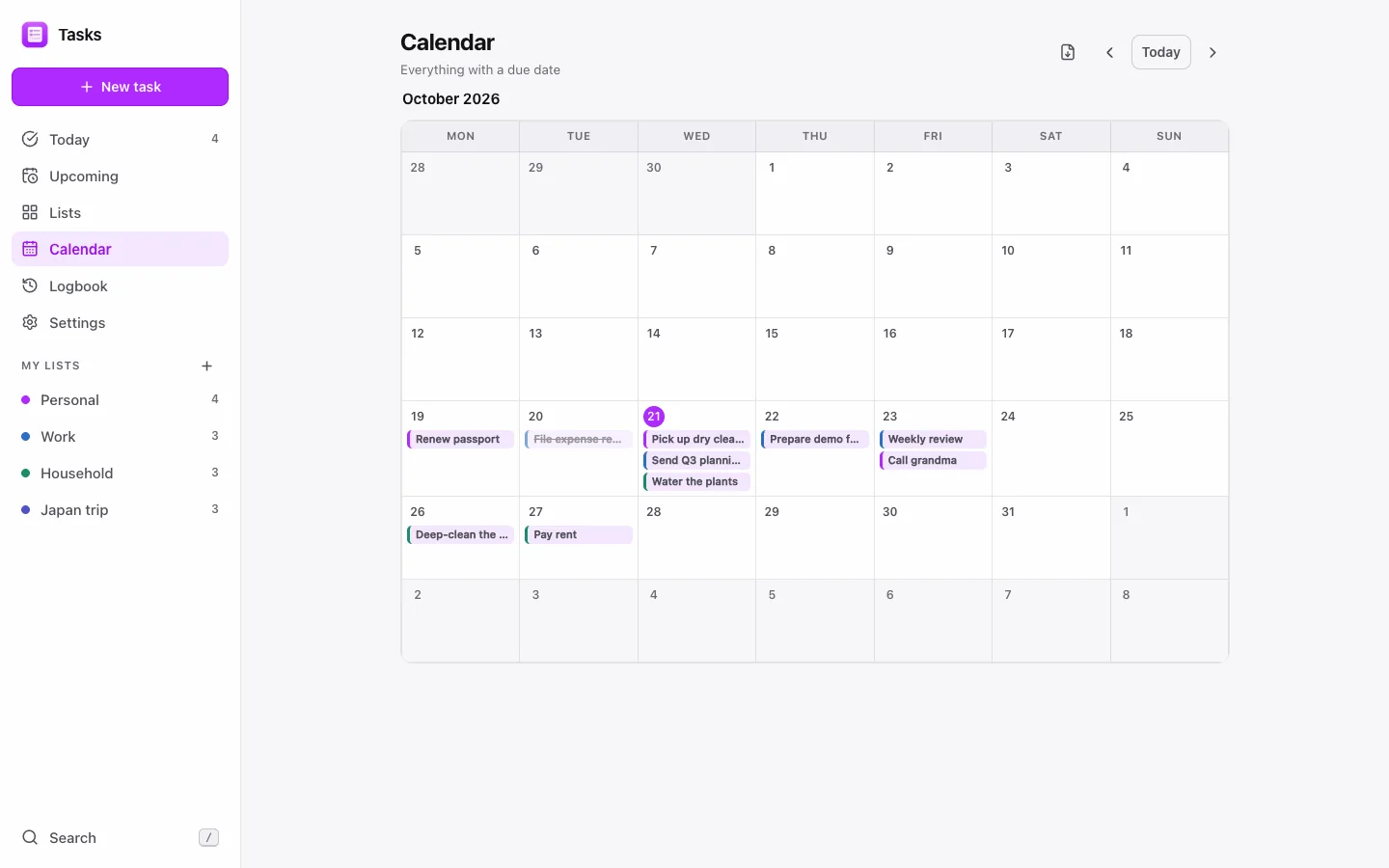
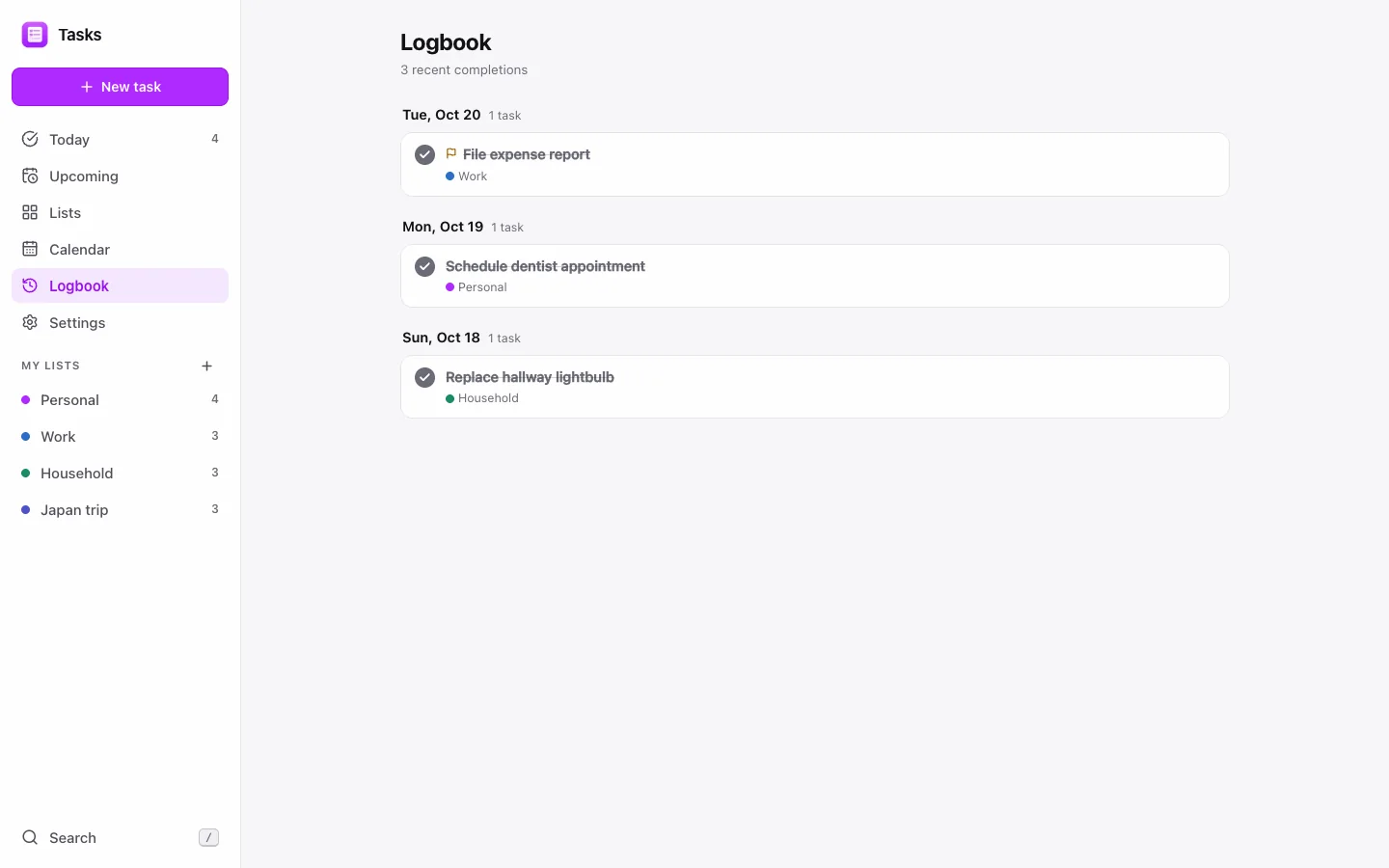
- Today and UpcomingPlus Lists, Calendar and a Logbook of finished work.
- RecurringEvery N days, weeks, months or years, or chosen weekdays.
- Shared listsA read-only link, or collaborate with invited people.
Chips show what it understood.
Quick add shows removable chips for the date, priority, tag and list it found. Dismiss one and the text returns to the title, so nothing is dropped.
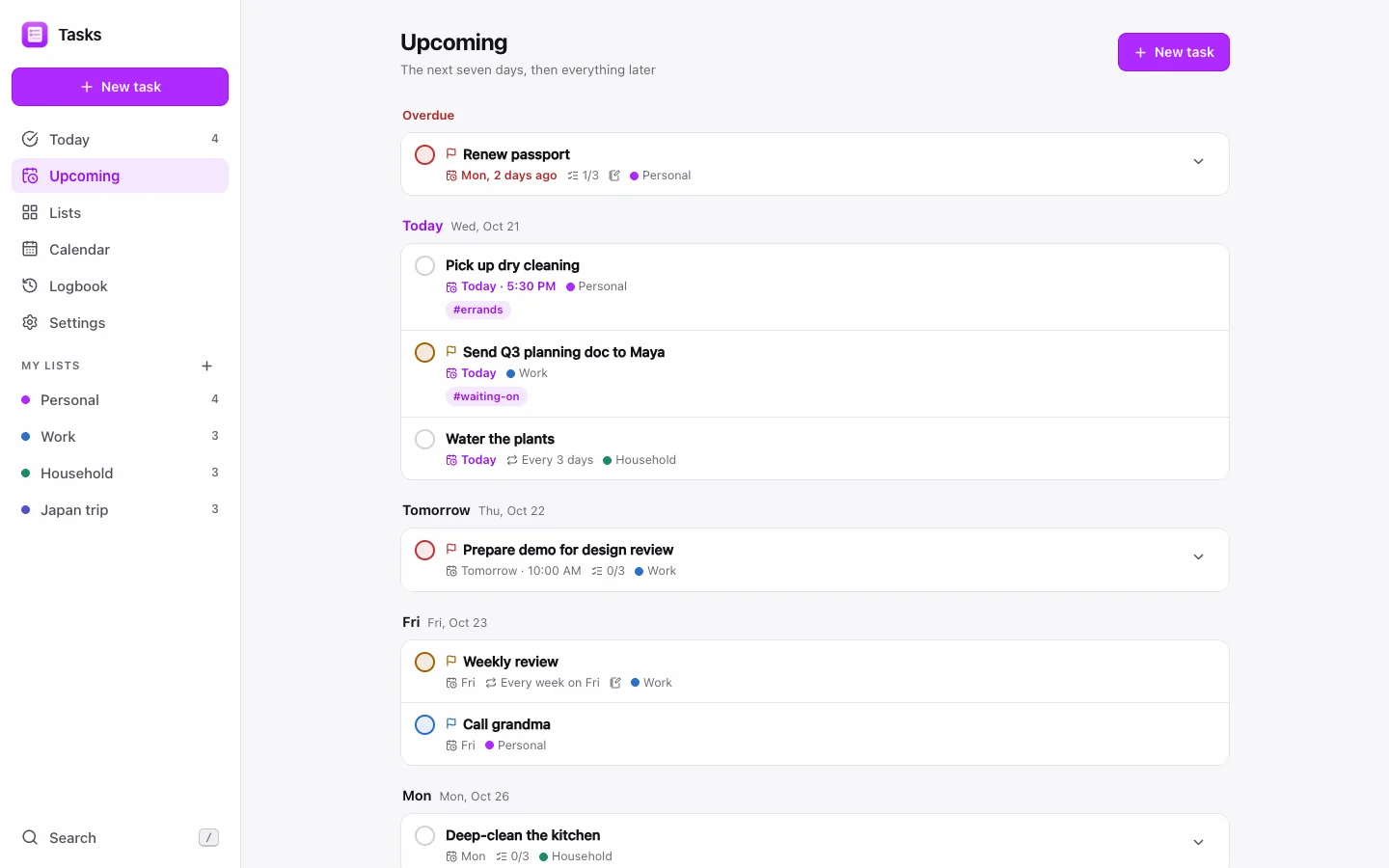
Reschedule in a tap.
Move a task to today, tomorrow, the weekend or next week, with Undo. Move every overdue task to today at once, or swipe on touch.
Lists others can use.
Publish a live read-only link anyone can open without an account, or invite people who can add, edit and complete tasks with you.
And everything around it.
Subtasks
Checklists inside any task, with notes and four priority levels.
Reminders
At the due time, or 10 minutes, 1 hour or 1 day before.
Tags
Up to five per task, with a view across all lists.
Calendar feed
Download an .ics or subscribe to a live feed.
Drag to order
Reorder tasks and lists by hand.
Install and offline
Open the app without a connection; changes sync later.
Works with the rest of Nubo.
Tasks shares your Nubo sign-in with every other app.


Frequently asked
- Do people I share with need an account?
- Not for a read-only link. Collaborating on a list involves invited people approved by the owner.
- What happens to missed recurring tasks?
- Overdue repeats skip missed occurrences instead of piling up.
- Can I move my tasks out?
- Yes. Export and import your data as JSON.
Tasks is included in every plan.
Taxes are added at checkout where they apply. Compare plans