 Nubo Suite
Decks you can present from anywhere.
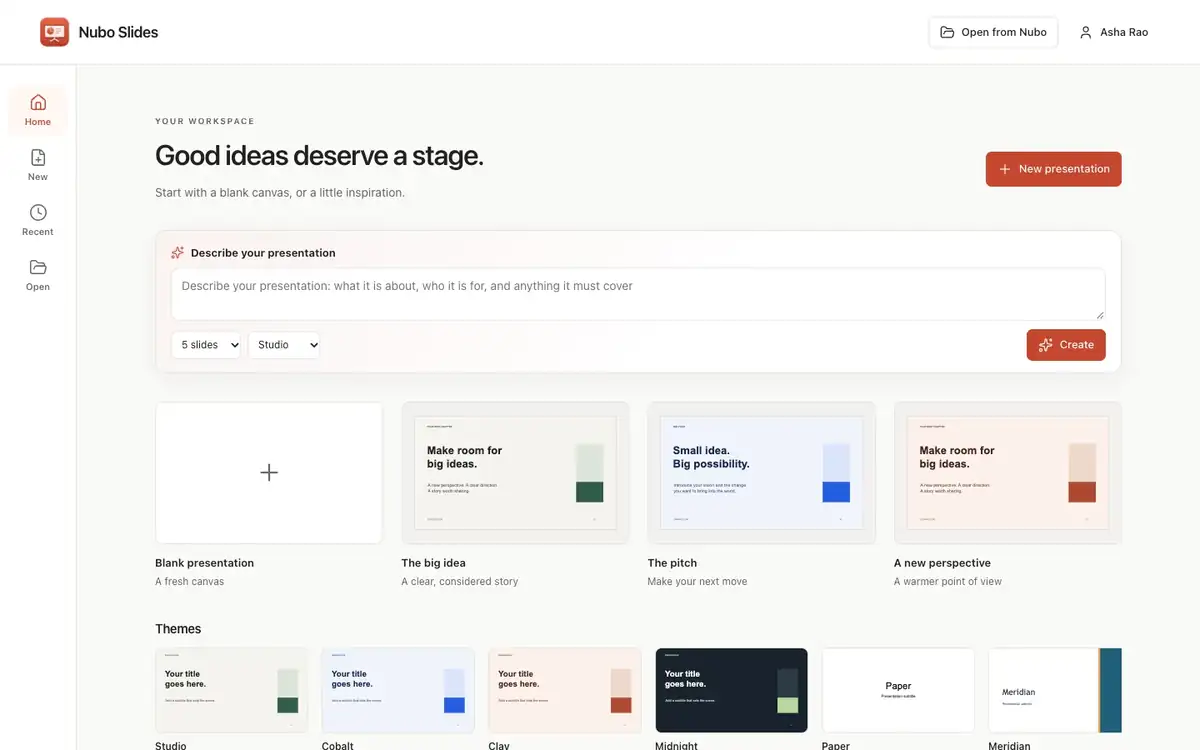
A presentation app for teams and students. Make slides, present with speaker notes and an audience window, or record narration over them. Slides opens and saves real .pptx files. Included in every Nubo plan, at one per-seat price for all apps.
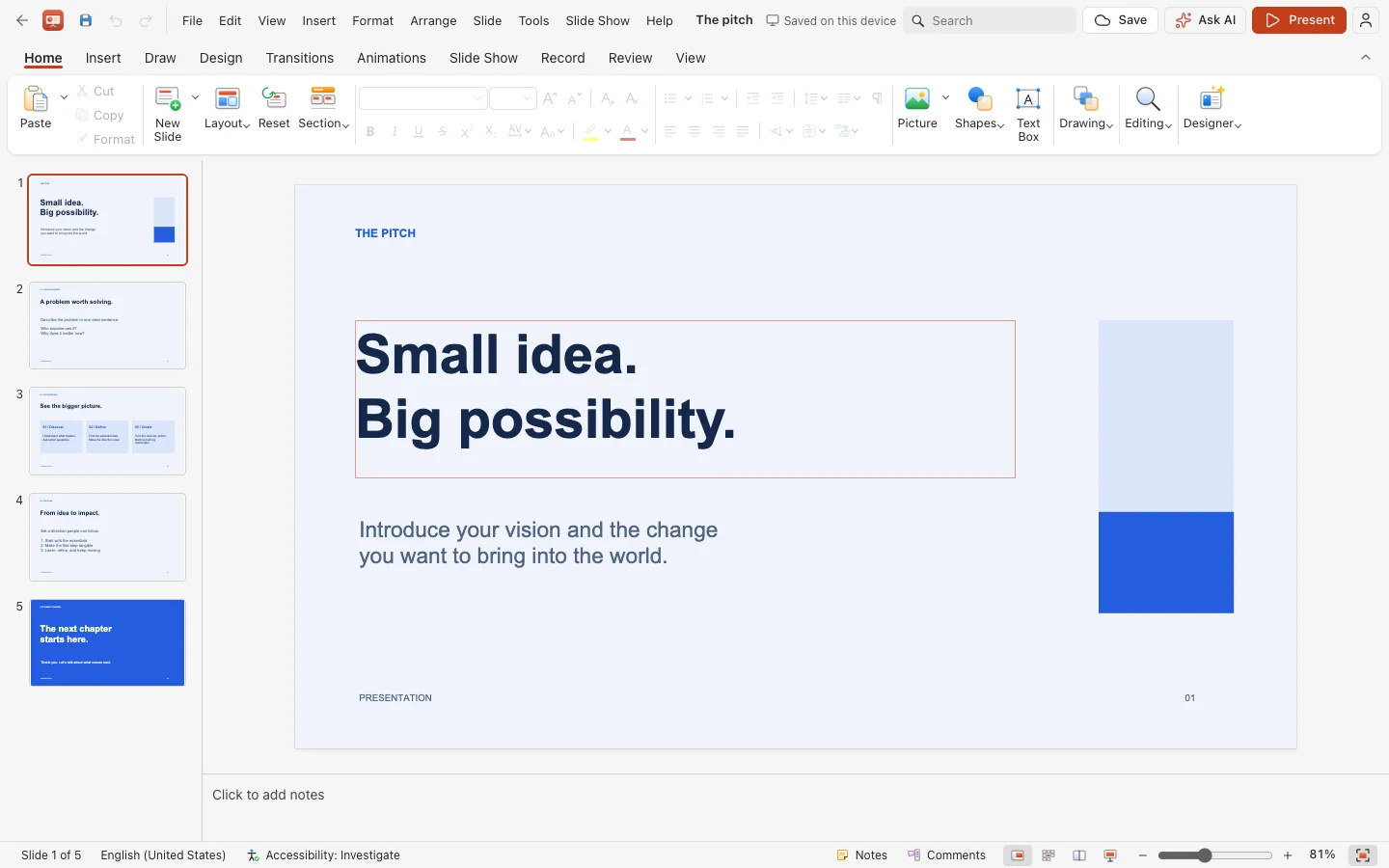
- .pptx filesDrop one onto the window to open it.
- Presenter ViewNotes and timing for you, the slide for the audience.
- RecordNarrate each slide, with an optional camera bubble.
- ExportPDF, PNG, JPEG, MP4, WebM or animated GIF.
Layouts, shapes and charts in reach.
Start from a title slide or one of two five-slide starter decks. Add tables, twenty shapes, images, icons, SmartArt layouts and thirty-one chart types with a data sheet.
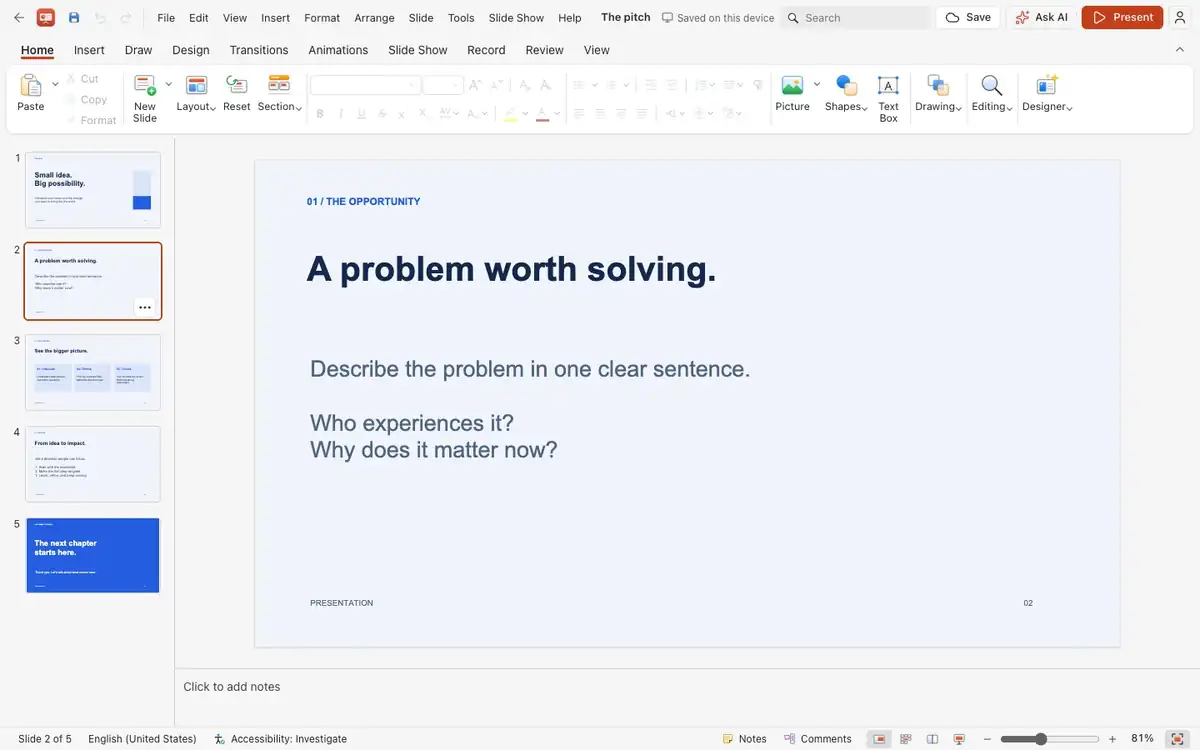
Animate with intention.
Entrance, emphasis, exit and motion-path effects, with an Animation Pane and timeline. Add slide transitions and trigger effects on click.
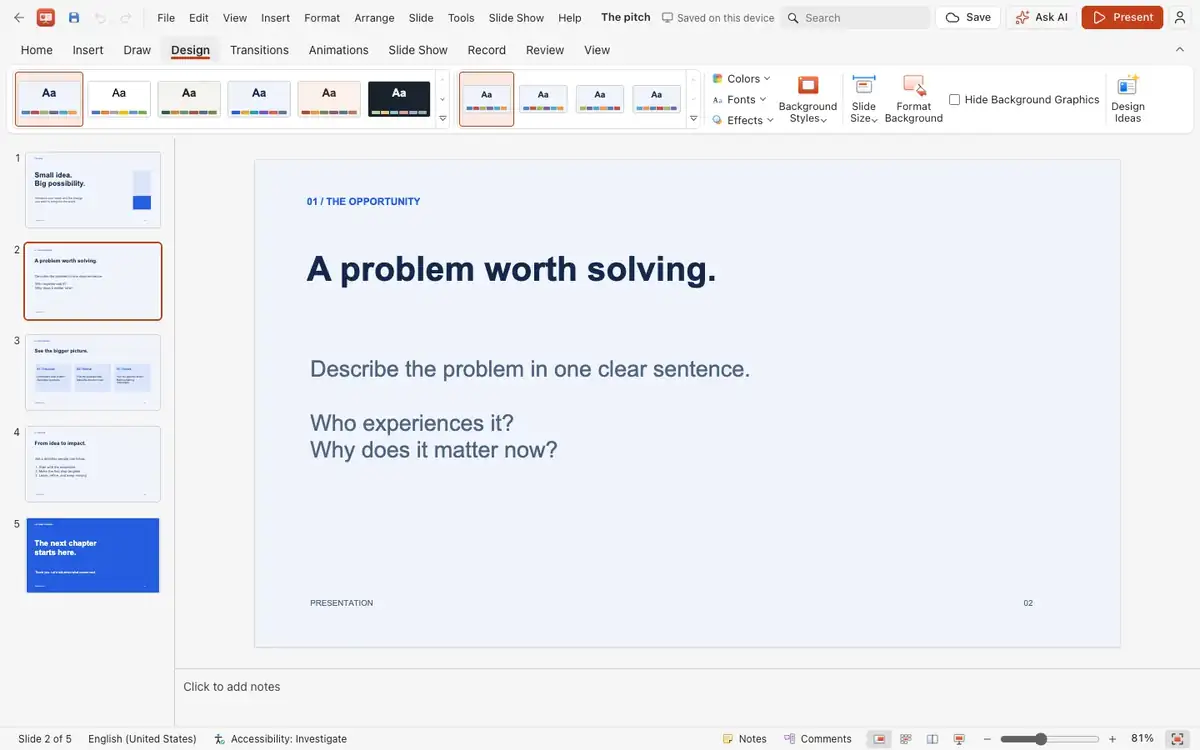
Rehearse, then deliver.
Use Presenter View with an audience window, rehearse timings, turn on live subtitles in browsers that support speech recognition, and mark up slides with a pen, highlighter or laser pointer.
And everything around it.
Find and replace
Search every slide, including table cells.
Links
Link objects to web addresses or other slides.
Hidden slides
Skipped when presenting and printing.
Reorder
Drag thumbnails in the navigator to rearrange.
Align
Select several objects to align and distribute them together.
Print slides, notes or handouts with a preview.
Works with the rest of Nubo.
Slides shares your Nubo sign-in with every other app.

Frequently asked
- Will my existing .pptx decks open?
- Yes. Slides edits the native file rather than rebuilding it, though unsupported features in a complex deck may not all appear.
- Can I present on a call?
- Share your screen in Meet, or use the audience window on a second display.
- Do I need an account to start?
- No. A new presentation opens immediately and sign-in is asked for when you save.
Slides is included in every plan.
Taxes are added at checkout where they apply. Compare plans