 Nubo Suite
Nubo OS · Early access (beta)
A desktop that sets itself up.
Nubo OS is a free operating system for desktops and servers, built on Ubuntu 26.04 LTS. Run it from a USB stick first and keep your PC exactly as it is. Server images are ready to download. The desktop is in early access.
- Free
- Open source
- Early access
- Five years of updates
What is in it.
-
Built on Ubuntu 26.04 LTS
The kernel, boot loader and nearly all packages are Ubuntu’s. Nubo adds its own look, apps and helpers as ordinary packages.
-
Try it from a USB stick
Start Nubo OS without installing anything, look around, and install only if you like it. Your PC stays as it is.
-
Five years of security updates
Nubo OS 1 gets security updates to April 2031, inherited from Ubuntu 26.04 LTS.
-
Secure Boot works
The desktop image uses Ubuntu’s signed boot loader and kernel, so Secure Boot stays on.
-
A modern graphics stack
A Wayland session with fractional scaling, plus HDR and variable refresh rate on screens that support them. Hardware video decoding is on by default.
-
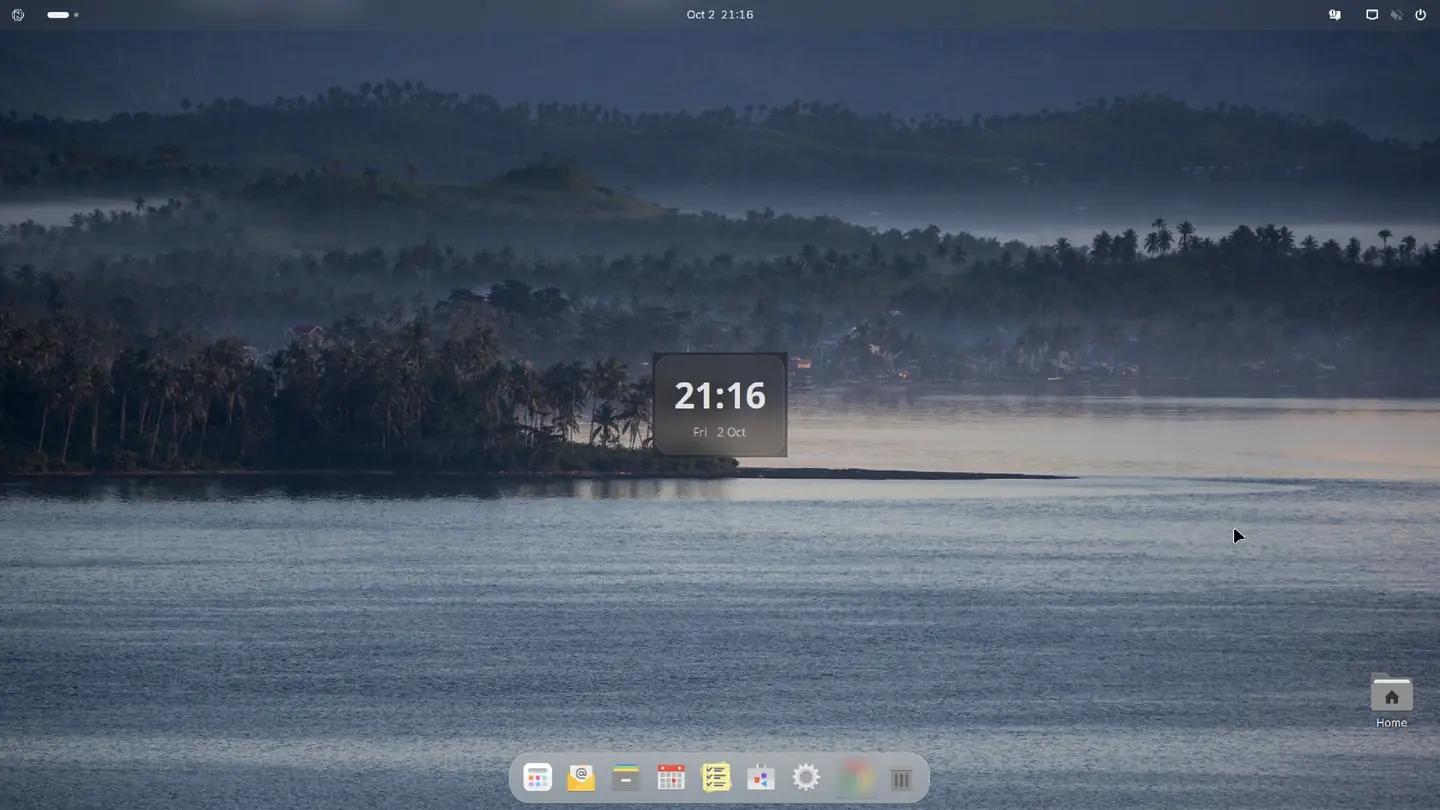
The Nubo glass theme
Dark by default, light supported, with Nubo icons, sounds and wallpapers.
-
Collabora Office
Collabora Office replaces LibreOffice. It opens Microsoft Office and OpenDocument files.
-
Apps from Flathub at first boot
When there is a network, first boot installs Firefox, LocalSend, Newelle, Collabora Office, Shortwave, VLC and Spotify (x86 only). Geary is the default mail app.
-
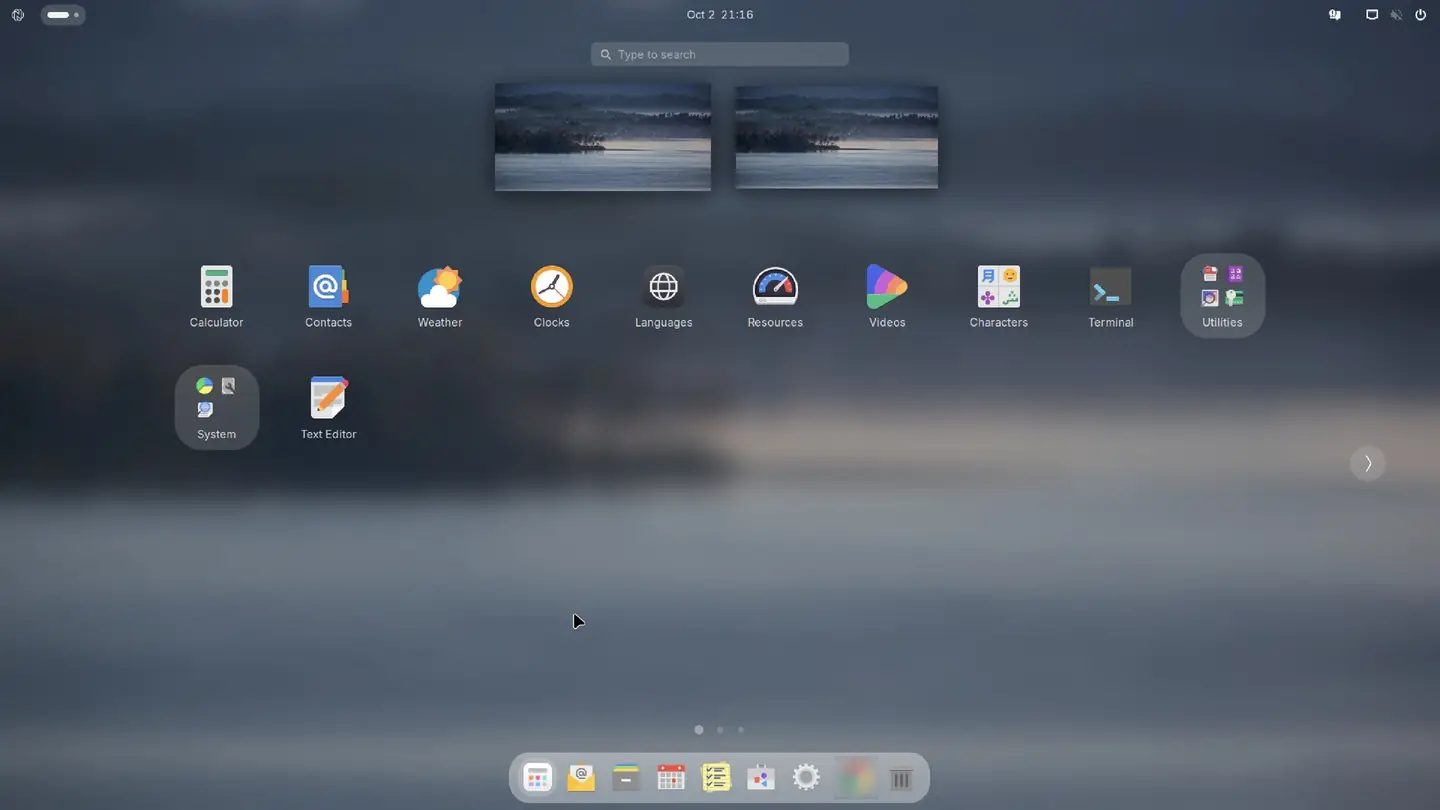
Nubo Search
A launcher on Super+Space. Its system-info telemetry is off.
-
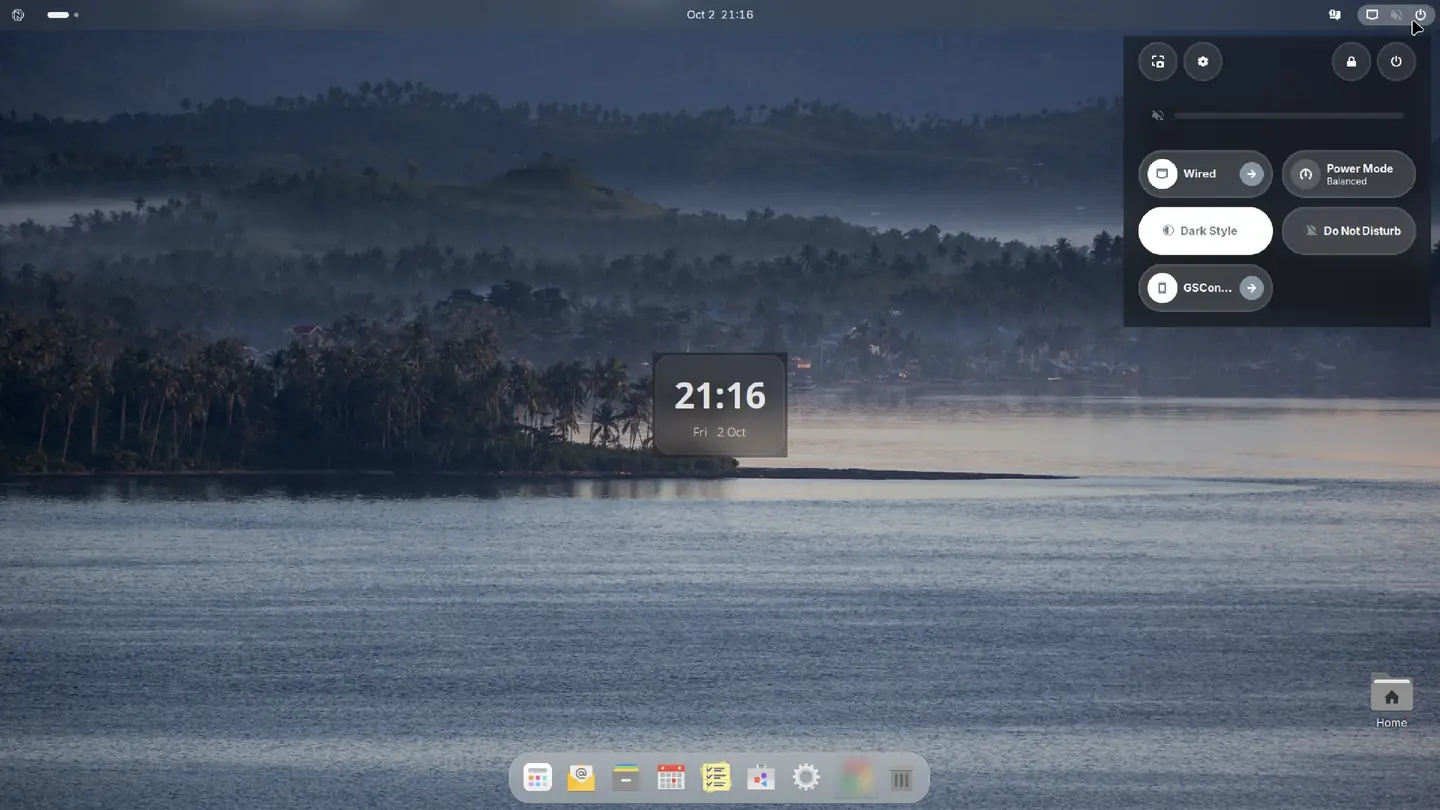
Phone link and notifications
A notification center, desktop widgets and a phone link (GSConnect and scrcpy).
-
Quiet privacy defaults
Ubuntu crash reporting, news in the login message, Ubuntu Pro reminders and release-upgrade prompts are off.
-
Sign in with a Nubo account
Early access. Approve the login from a phone with a QR code or a short code. It has not yet been approved end to end with a real account.
Open source.
Nubo OS is open source. Its code is public on GitHub under the GNU General Public License, version 3 or later. Nubo Suite and its apps are not open source.
See it.
Get Nubo OS.
| Edition | Status | Notes | Link |
|---|---|---|---|
| Nubo OS Desktop | Early access, on request | The desktop image is not on the download page yet. Request a build. | Request early access Nubo OS Desktop |
| Nubo OS Server | Beta, download now | amd64 and arm64. | Download Nubo OS Server |
| Nubo OS Virtualization | Beta, download now | Server with Incus. amd64 and arm64. | Download Nubo OS Virtualization |
| Nubo OS Containers | Beta, download now | Server with Podman. amd64 and arm64. | Download Nubo OS Containers |
| Nubo OS Edge | Beta, download now | amd64 and arm64. | Download Nubo OS Edge |
| Raspberry Pi | Coming soon | Not on the download page yet. |
The current beta is Nubo OS 1. Release notes and checksums are on os.nubosuite.tech. Nubo’s own packages come from a signed Nubo archive with stable and beta channels. The stable channel is empty while Nubo OS 1 is in beta.
Not built yet.
-
Planned
Nubo Drive
Not built yet.
-
Planned
Nubo Backup
Not built yet.
-
Planned
Nubo Store
An app store with its own login. Not built yet. Apps come from Flathub today.
-
Planned
Migration app
Not built yet.
-
Planned
Nubo Pro
Not built yet.
-
Planned
Translations
Nubo OS is in English only for now.
Will it run on my PC?
Nubo has not published minimum RAM or disk yet. Until it does, use Ubuntu’s own figures below as a reference, not as a Nubo promise.
| Item | What Nubo can say today | Status |
|---|---|---|
| Processor | 64-bit Intel or AMD (amd64), or 64-bit Arm (arm64). The arm64 desktop image is experimental and untested on real hardware. | Confirmed |
| Base | Ubuntu 26.04 LTS. Hardware that Ubuntu 26.04 supports is the starting point. | Confirmed |
| Firmware | UEFI. Secure Boot works on the desktop image. | Confirmed |
| Network | Needed for first-boot app downloads and Nubo account setup. If there is none, it tries again at the next boot. | Confirmed |
| Install media | A USB stick, or a virtual disk image in a virtual machine. | Confirmed |
| Minimum RAM | Nubo has not published minimum RAM or disk yet. | Not published |
| Minimum disk | Nubo has not published minimum RAM or disk yet. | Not published |
| Graphics for the glass blur | Not published. | Not published |
| Hardware list | There is no list of certified hardware. | Fact |
Ubuntu reference, not a Nubo requirement: Ubuntu Desktop 26.04 lists a dual-core 2 GHz processor, 6 GB of RAM and 25 GB of disk.
What does not run.
- Adobe Creative Cloud.
- Microsoft Office desktop apps. Office files open fine in Collabora Office.
- Games with kernel-level anti-cheat.
Questions
- Is Nubo OS the same as Nubo Suite?
- No. Nubo Suite is the family: Nubo OS, Nubo Email and the private apps. Nubo OS is a free operating system that you can use with or without a Nubo account.
- Is Nubo OS Ubuntu?
- It is based on Ubuntu 26.04 LTS but it is not a Canonical product. Ubuntu is a trademark of Canonical Ltd and is used here only to name the base system.
- Who makes it?
- Chandorkar Technologies.
- Is Nubo OS open source?
- Yes. The code is public at github.com/Chandorkar-Technologies/nubo-os under the GNU General Public License, version 3 or later. The Nubo name and mark are trademarks and are not covered by that license. Nubo Suite and its apps are not open source.
- Is it free?
- Yes.
- Which version is it?
- Nubo OS 1 "Flow", in beta. Server images are ready to download. The desktop is in early access.
- How long is it supported?
- Nubo OS 1 gets five years of security updates, to April 2031. There is no separate Nubo end-of-life date.
- Is it ready for my main computer?
- It is a beta. Try it from a USB stick first and keep backups of anything you care about.
- Can I try it without installing?
- Yes. Start it from a USB stick. The live session already has the Nubo packages.
- Can I keep Windows next to it?
- The installer is Ubuntu’s installer with Nubo branding, so Ubuntu’s dual-boot route applies. There is a documentation page on os.nubosuite.tech.
- Does Secure Boot work?
- Yes, on the desktop image. The boot loader and kernel are Ubuntu’s signed ones.
- Do I need internet to install?
- No, but a network helps: first boot downloads apps from Flathub and sets up a Nubo account when it can.
- Does it run on Arm?
- Packages and server images are built for arm64. The arm64 desktop image has not been tested on real hardware and is experimental.
- Can I run it in a virtual machine?
- Yes, from a virtual disk image.
- What about snaps?
- The Firefox and Thunderbird snaps are removed. Snap support stays on the desktop because the Nubo account sign-in uses it.
- What does Nubo OS send out?
- Nubo Search system-info telemetry is off and Nubo publishes no other telemetry. Some contacts with Canonical remain, such as the snap store on the desktop. They are listed in the documentation.
- Can I turn off Nubo Cumulus?
- Yes. Nubo Cumulus fetches Ubuntu packages through Nubo with Ubuntu’s servers as fallback. Create the file /etc/nubo/no-cumulus to avoid it.
- Can I sign in with a Nubo account?
- It is early access. Treat it as a preview.
- Is there a translation?
- Not yet. It is planned.
Nubo and the Nubo mark are trademarks of Chandorkar Technologies. Nubo OS is built on Ubuntu 26.04 LTS; Ubuntu is a trademark of Canonical Ltd and is used here only to name the base system. App names and icons belong to their owners.
The Nubo name, the Nubo mark and the Nubo OS name are trademarks of Chandorkar Technologies. The brand files may be redistributed unmodified as part of Nubo OS. They may not be used to name or brand any other product, service or distribution, or modified, without written permission from Chandorkar Technologies. Everything else in the Nubo OS repository is licensed under the GNU General Public License version 3 or later.
Collabora Office is a product of Collabora. Nubo OS is not endorsed by Collabora, The Document Foundation or Canonical.