 Nubo Suite
One place for what your team knows.
A team wiki for company knowledge. Write pages from blocks, nest them in a tree, track work in databases, and share a page so people can edit it together as they type. Included in every Nubo plan, at one per-seat price for all apps.
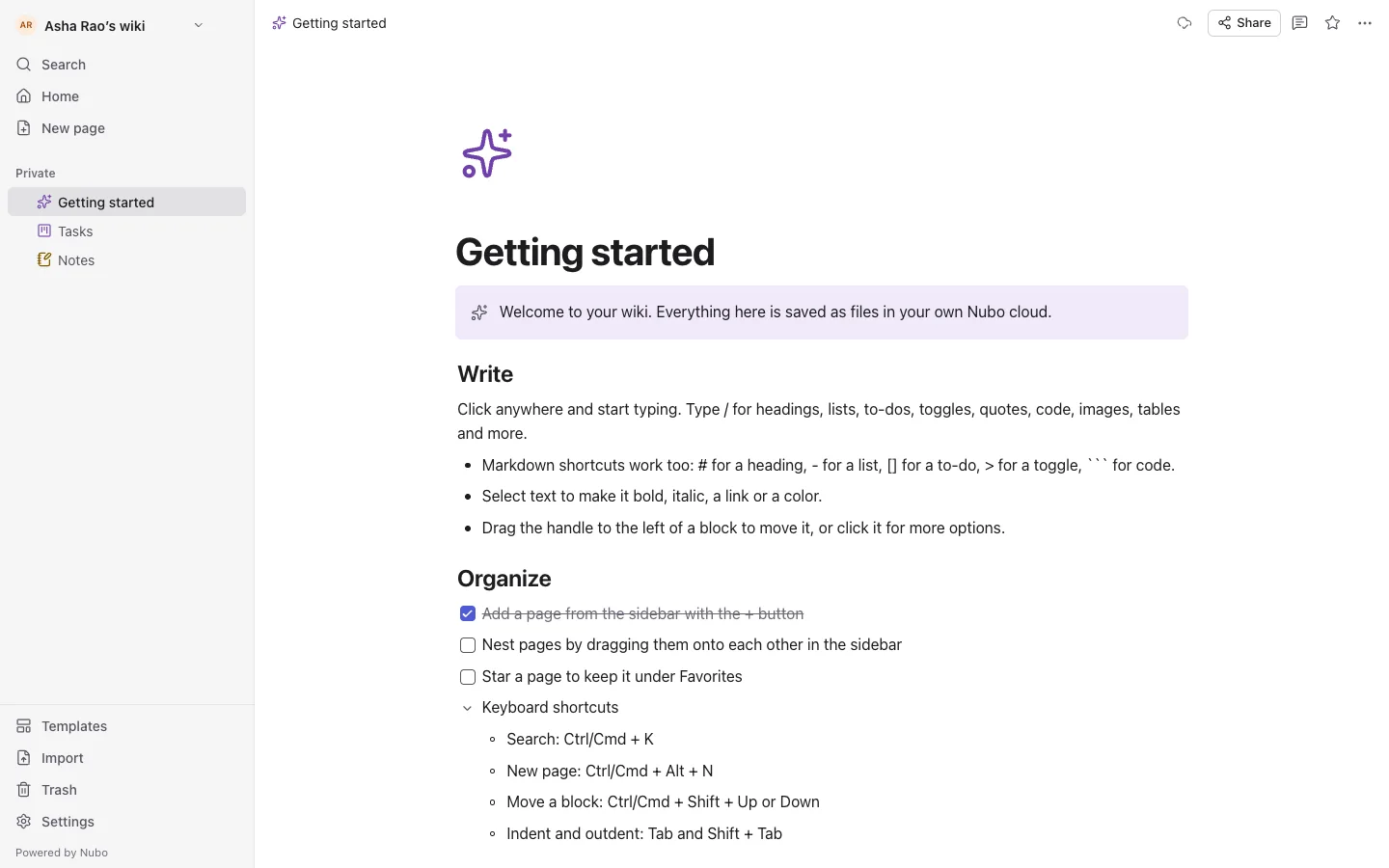
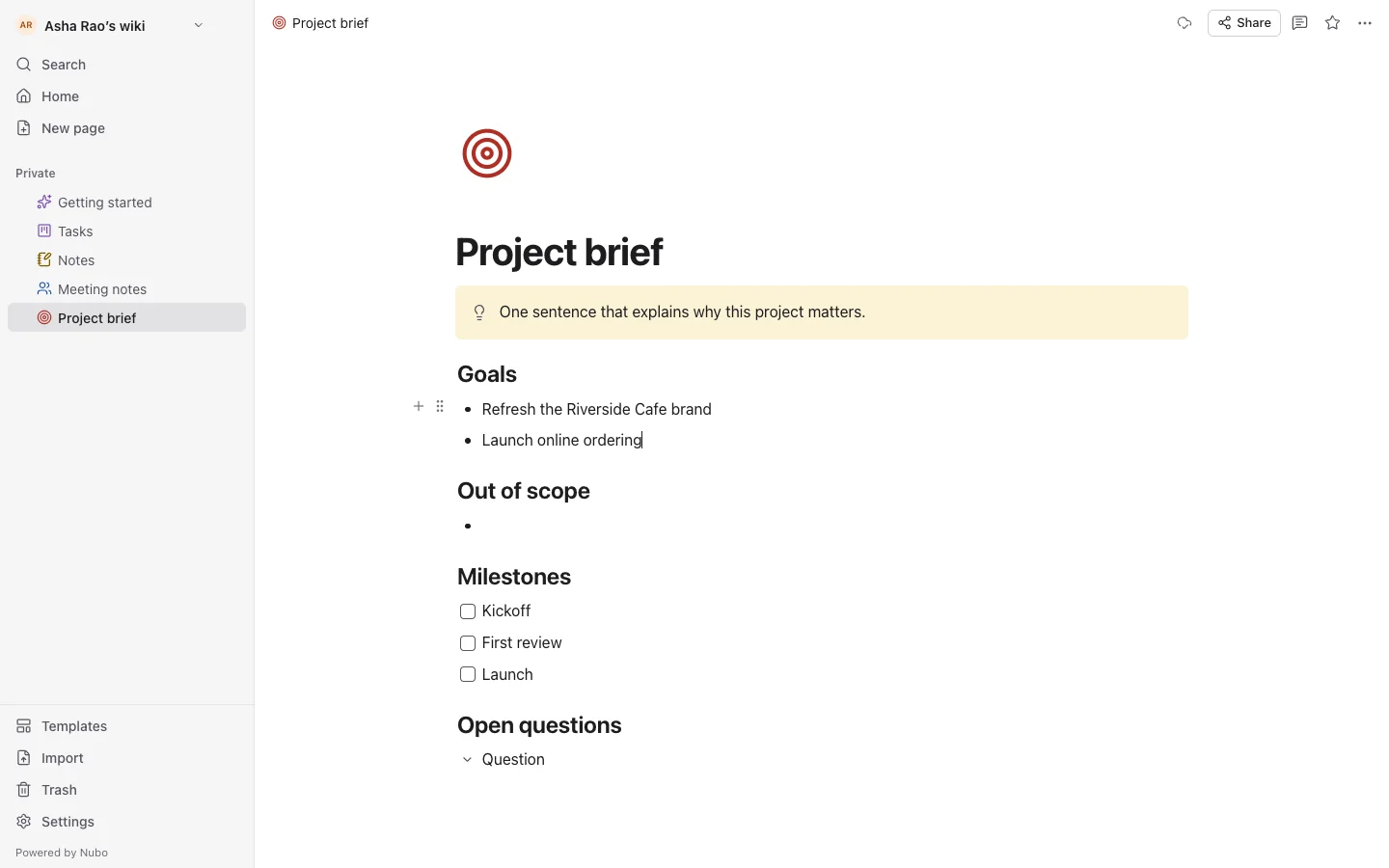
- Block editorHeadings, lists, to-dos, callouts, code, tables and images.
- DatabasesTable, board, list, gallery and calendar views.
- Live editingChanges merge as people type.
- RolesInvite people as editors, commenters or viewers.
Type a slash, get a block.
Type / for the block menu and @ to link another page. Markdown shortcuts work as you write, and you can drag the handle to reorder or nest blocks.
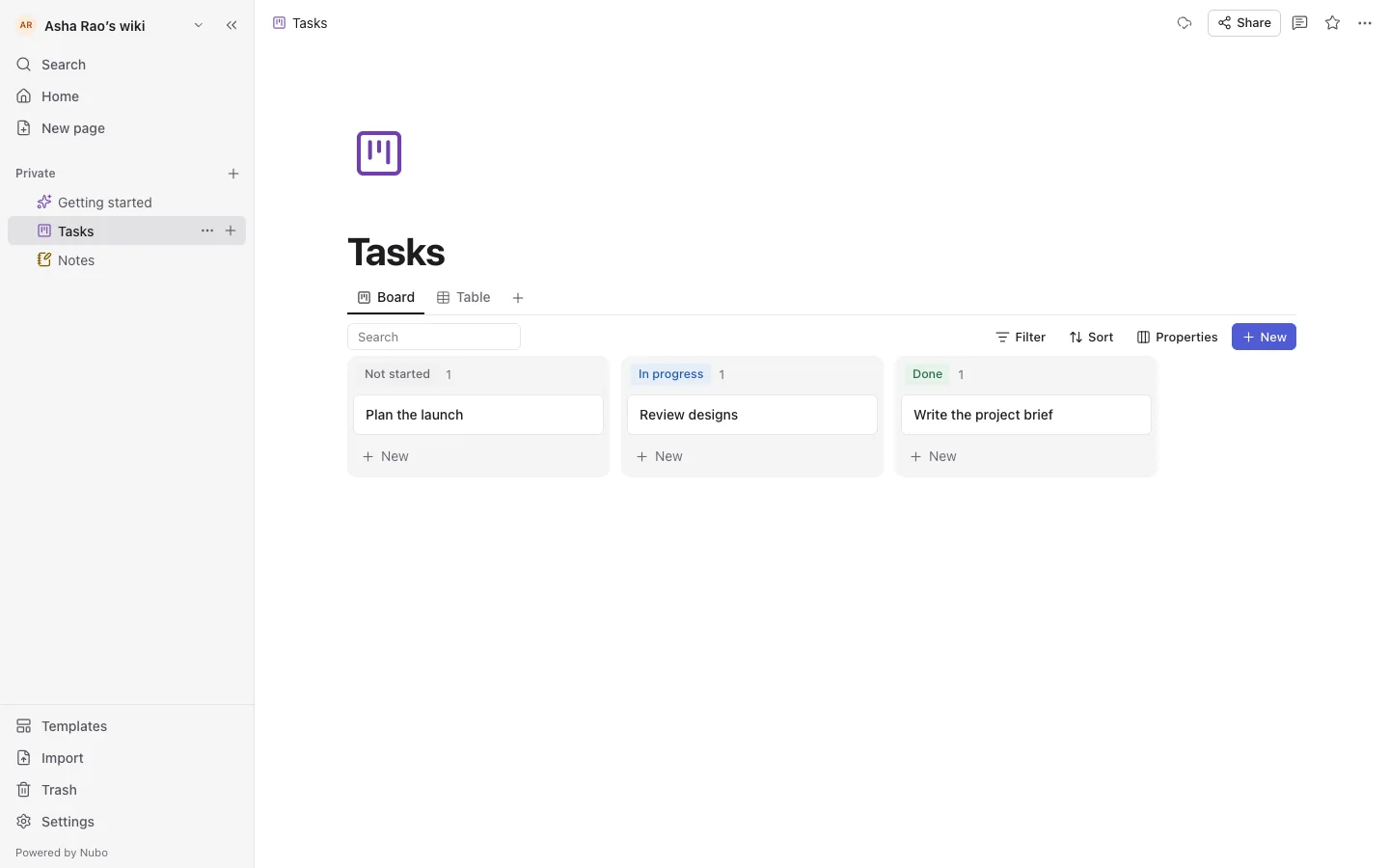
Pages that behave like rows.
Add properties such as status, date, number, select and checkbox, then view the same rows as a table, a board grouped by property, a gallery or a calendar.
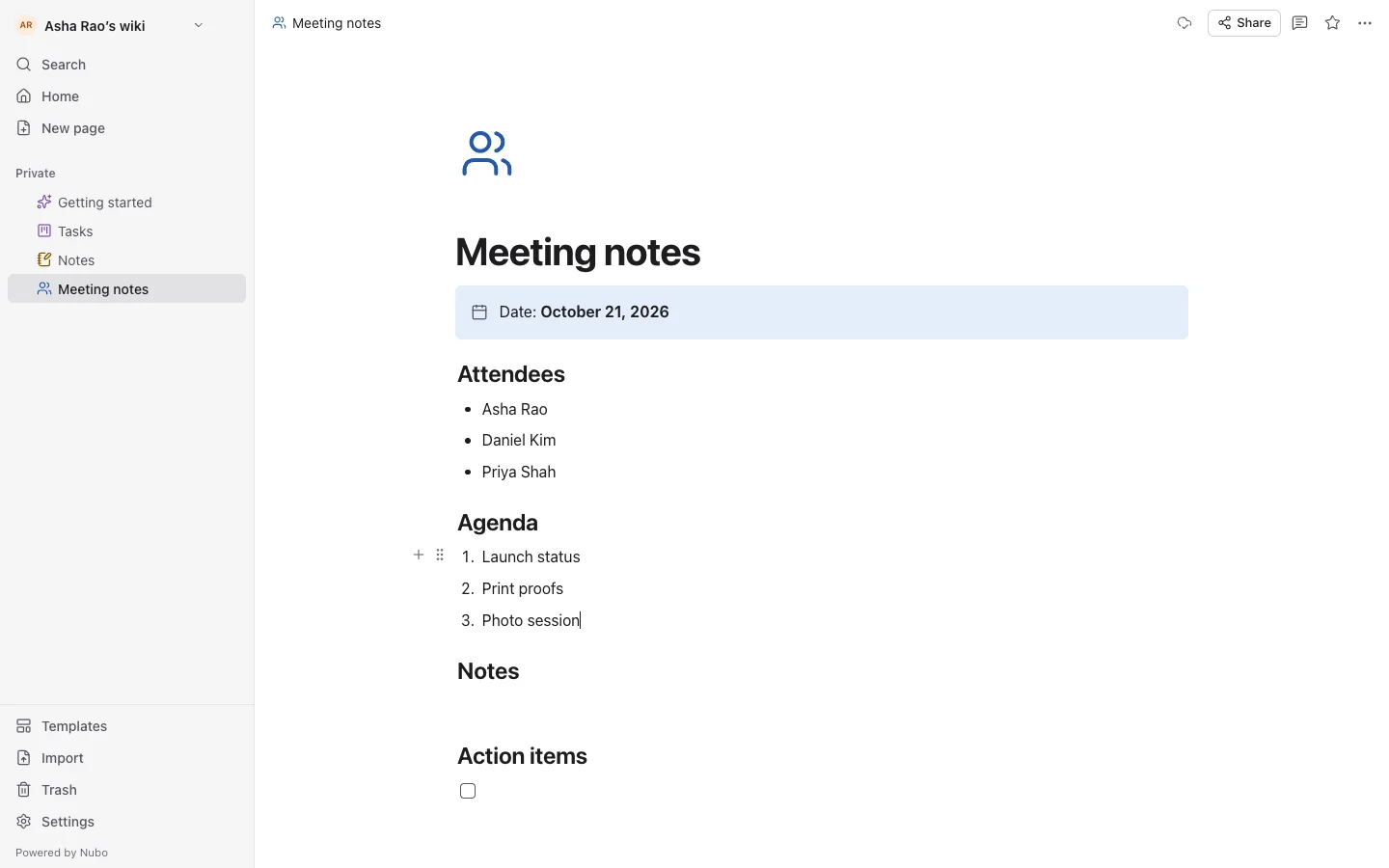
Share a page and everything under it.
Invite people by link with a role, see avatars of who is on the page, and discuss with comments on a page or a single block that can be resolved.
And everything around it.
Page templates
Meeting notes, project brief, weekly plan, task board and reading list.
Search
Ctrl/Cmd+K searches titles and text across every space.
Import and export
Import Markdown, export Markdown or HTML, or print to PDF.
Trash
Deleted pages can be restored.
Page locking
Lock a page to prevent accidental edits.
Phone layout
A sidebar drawer and a block toolbar above the keyboard.
Works with the rest of Nubo.
Wiki shares your Nubo sign-in with every other app.


Frequently asked
- Can I bring in existing notes?
- Yes. Import Markdown files, one per page.
- Can people outside my team read a page?
- You can open a space to anyone signed in who has the link.
- How is it different from Notes?
- Wiki is for shared pages and databases. Notes is a personal notebook for free-form writing, ink and recordings.
Wiki is included in every plan.
Taxes are added at checkout where they apply. Compare plans