 Nubo Suite
Edit images with layers, right in the browser.
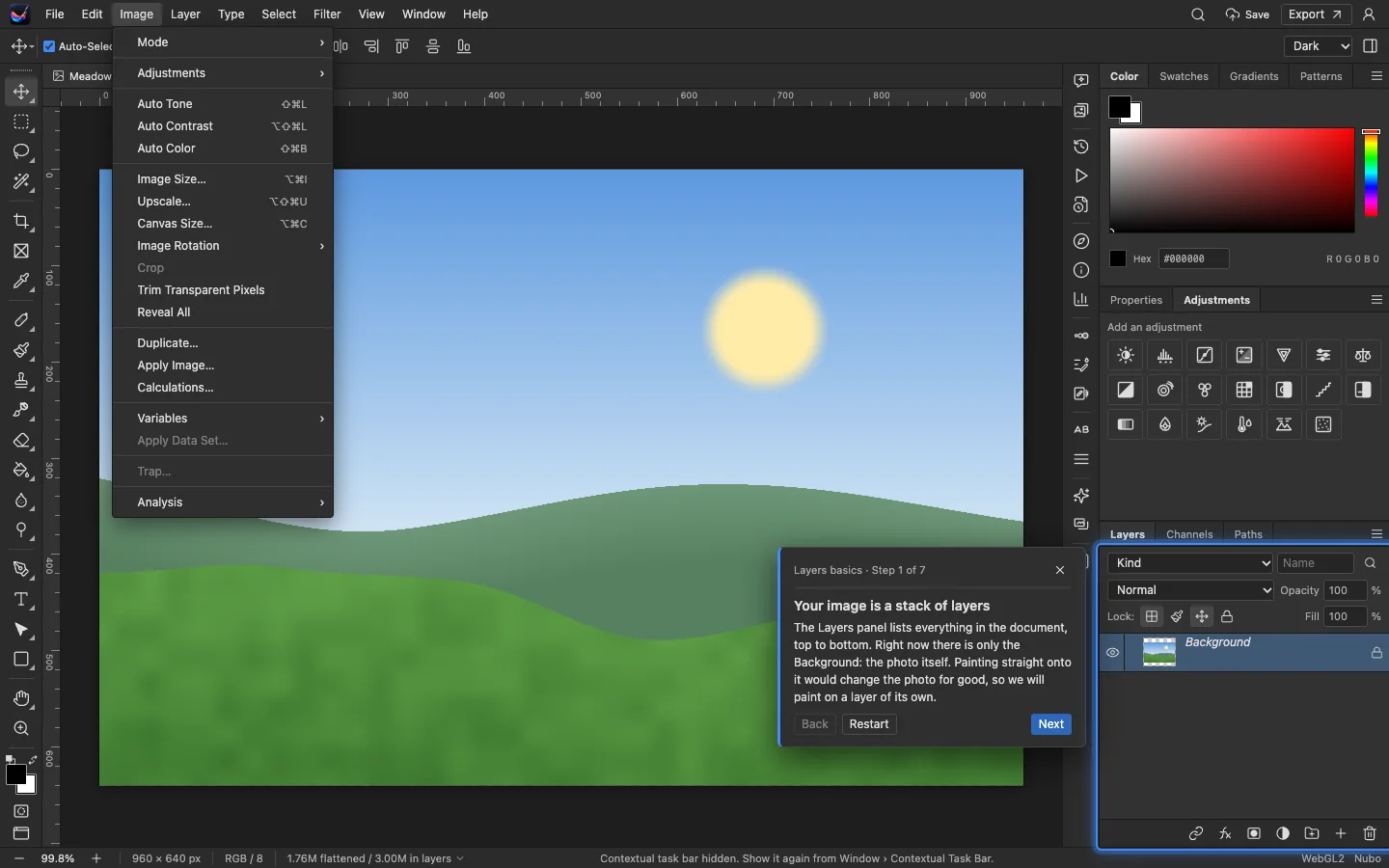
A layer-based image editor in the browser for designers, photographers and marketers. Retouch a portrait, build a banner or composite a scene without installing anything, and open and save PSD files. Included in every Nubo plan, at one per-seat price for all apps.
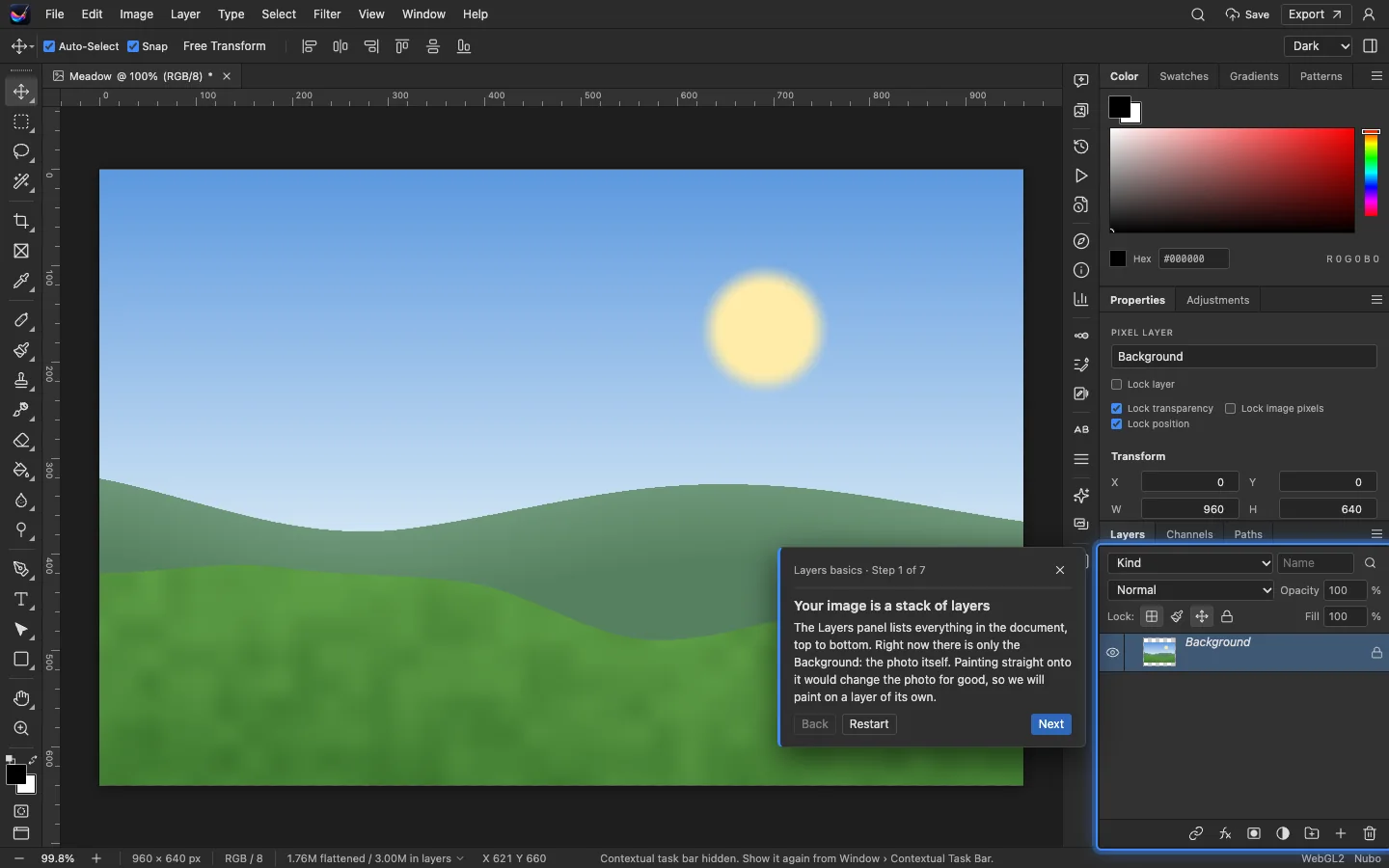
- Layers and masksPixel, text, shape, adjustment and embedded layers.
- RetouchingHeal blemishes, patch, fix red-eye and remove objects.
- About 70 filtersBlurs, distortion, noise, rendering and more.
- PSD filesOpen and exchange layered PSD documents.
Build images from layers you can change later.
Adjustment layers, masks, blend modes and nested embedded objects keep edits reversible. Artboards and frames help lay out several sizes in one document.
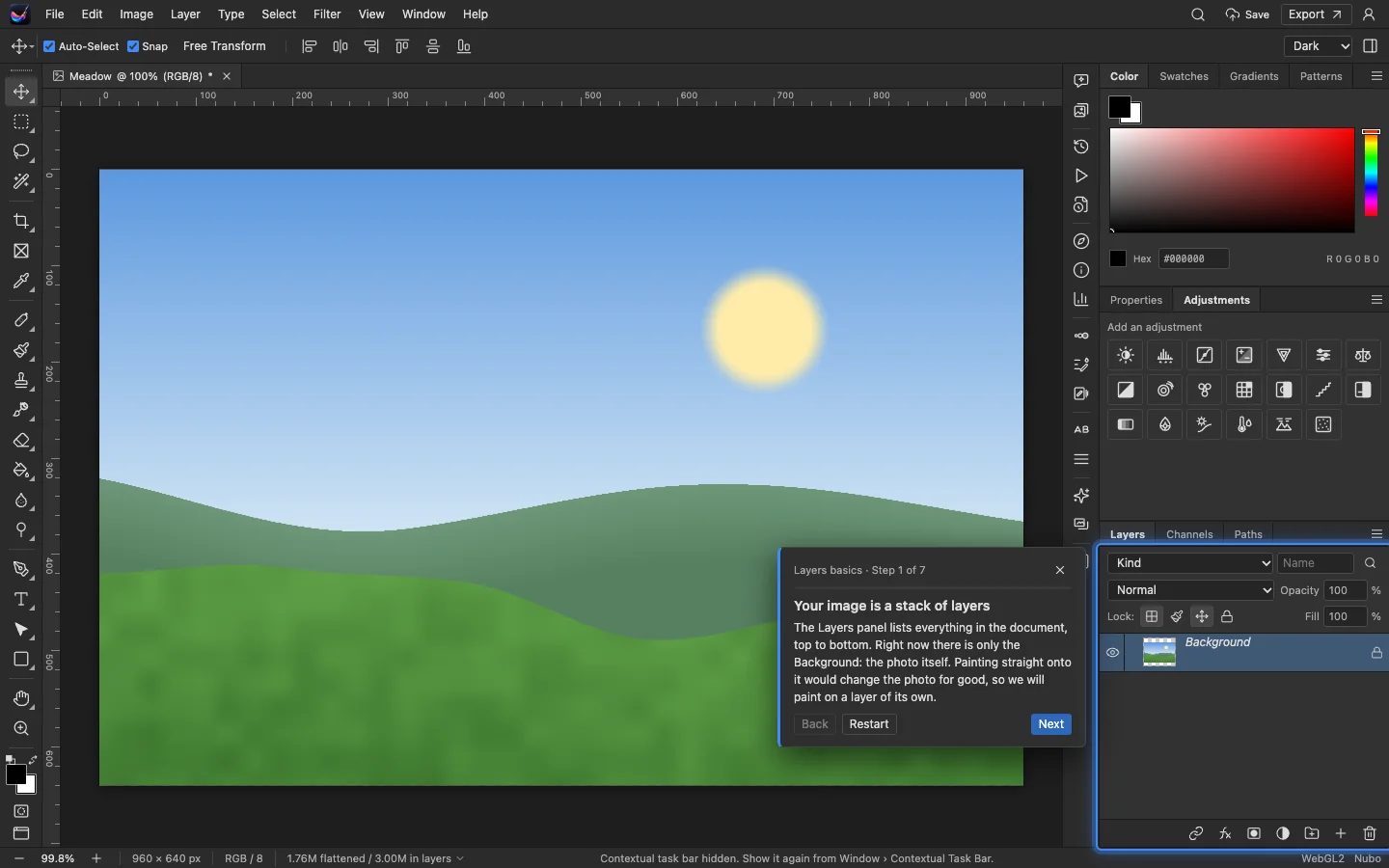
Select, paint and fix.
Pick a subject or sky automatically, or draw selections by hand. Then clone, heal, patch or paint with brushes that load and mix color.
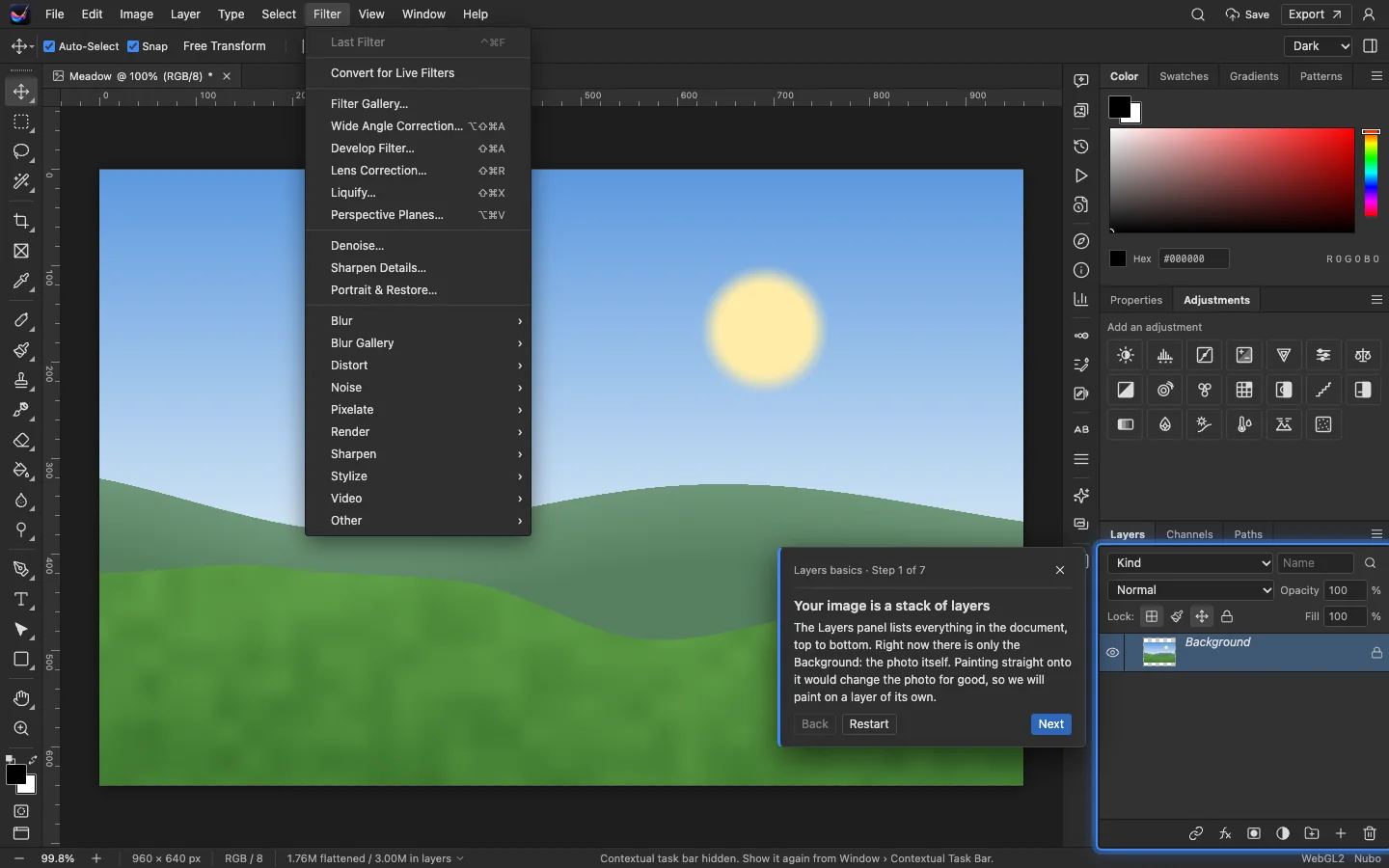
Describe the edit instead of hunting for it.
Ask the Assistant for a change in plain words. It lays out steps using the editor's own commands, you review or edit them, then run them together as one undo step.
And everything around it.
Workspaces
Panel layouts for photography, painting and web work, plus your own.
Type
Point and paragraph text with saved character and paragraph styles.
Animation
A timeline for frame animation and video-style layers.
Panoramas
Auto-align and blend several shots into one wide image.
Tutorials
Six guided tours on sample images, from layers to exporting.
Libraries
Keep colors, brushes, styles and graphics for reuse across documents.
Works with the rest of Nubo.
Photos shares your Nubo sign-in with every other app.




Frequently asked
- Can I open PSD files?
- Yes. PSD interchange is part of the editor.
- Does it need a special graphics card?
- It uses WebGPU where your browser supports it and falls back to WebGL2 otherwise.
- Where do my files go?
- You can save to your Nubo storage. The Assistant runs through Nubo's AI service. Picture generation is not available yet.
Photos is included in every plan.
Taxes are added at checkout where they apply. Compare plans