 Nubo Suite
Everything you need to do to a PDF.
A PDF editor for anyone who handles documents. Rearrange pages, edit text, fill and build forms, redact and scan, with no sign-in needed until you want to save to the cloud. Open a file or drop it anywhere to start. Included in every Nubo plan, at one per-seat price for all apps.
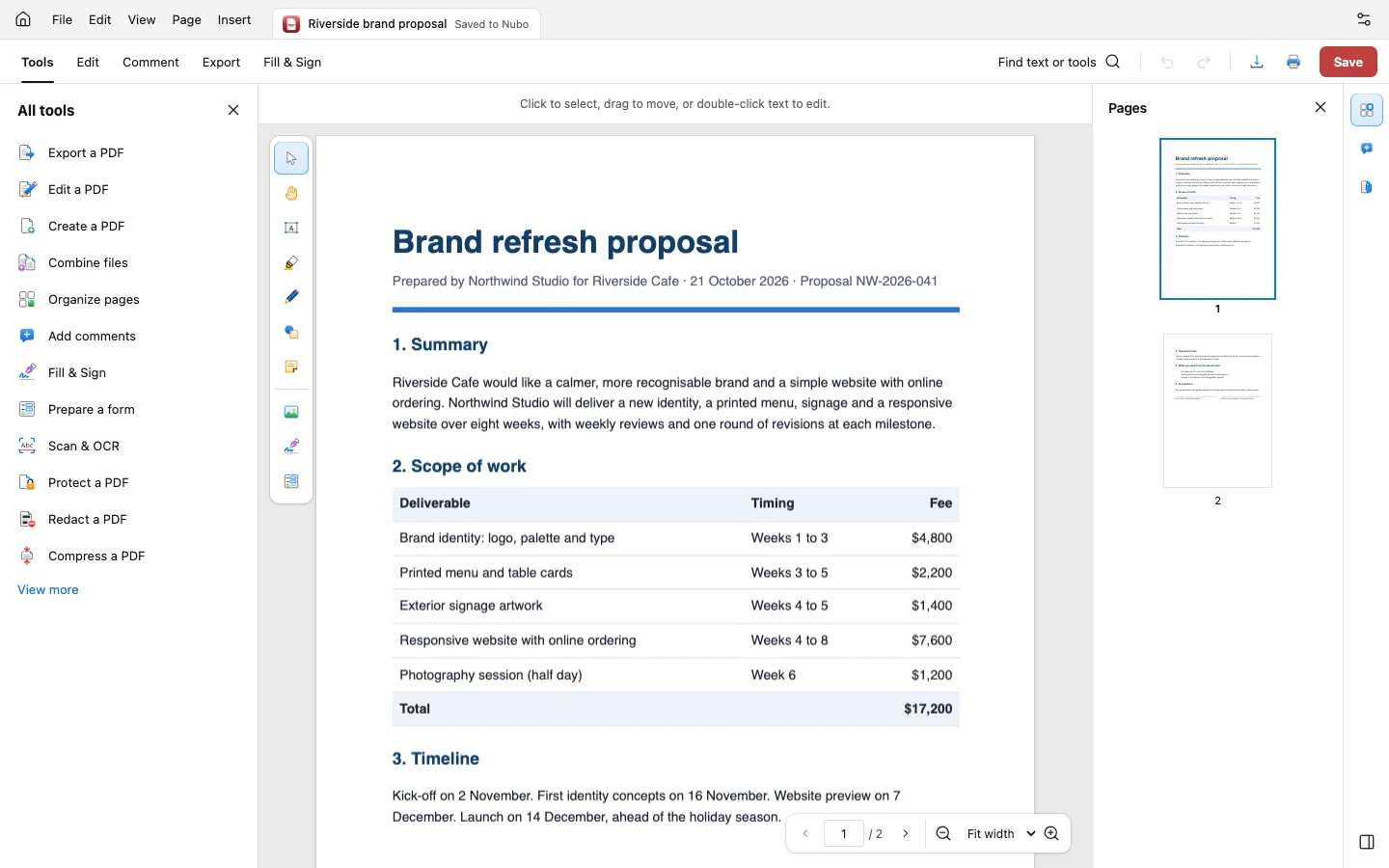
- Edit and annotateChange text, add notes, highlights, shapes and stamps.
- RedactRemove text, images and links under marked areas for good.
- Scan to textOCR adds searchable text to scanned pages.
- ConvertExport to .docx, .xlsx, .pptx, RTF, HTML, text, PNG or JPEG.
Reorganize in a grid.
Select, drag to reorder, rotate, duplicate, extract and delete pages, or insert blank pages, other PDFs and pictures. Combine files in a chosen order.
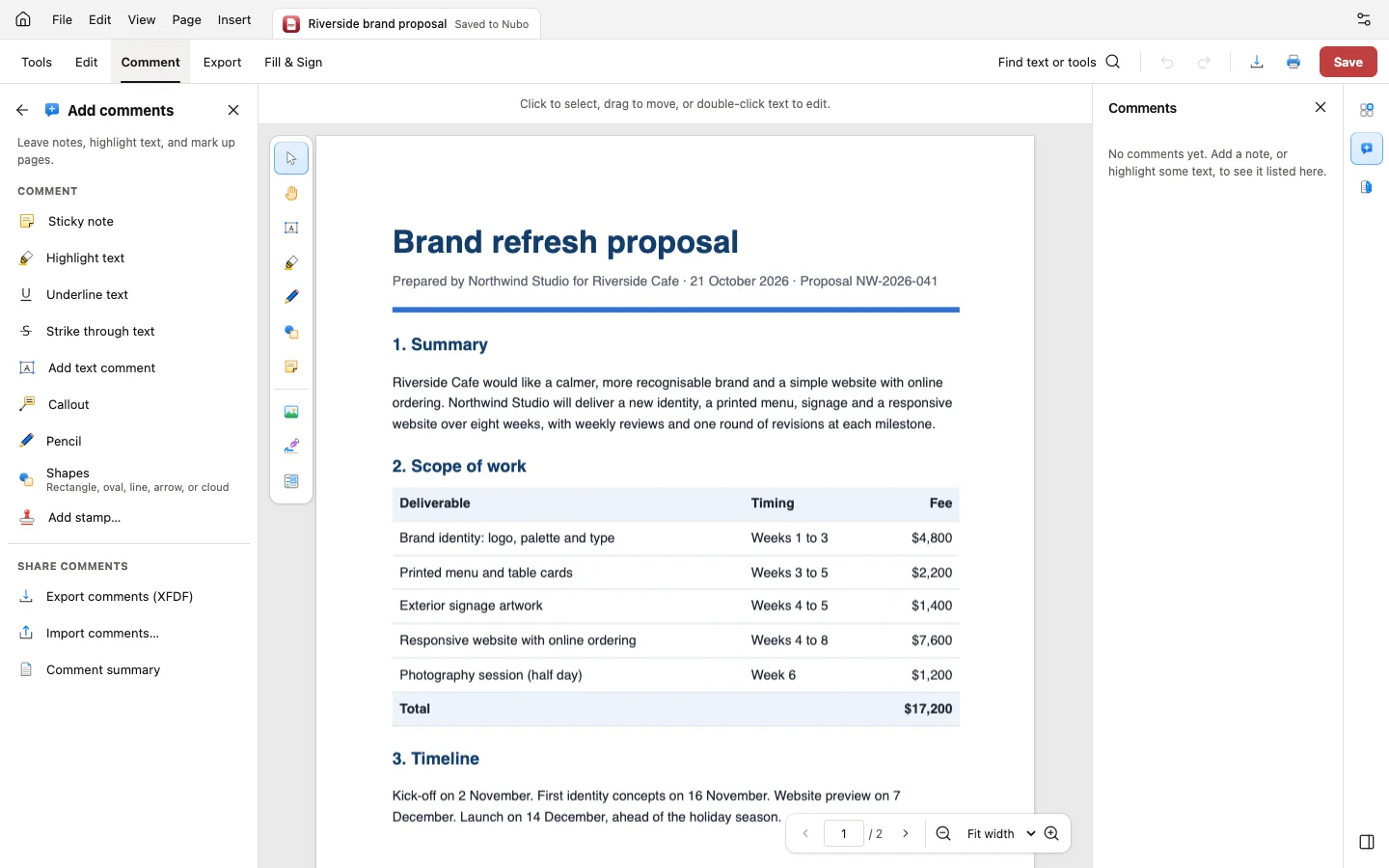
Fill, build and sign.
Add text, date, check box, dropdown and signature fields by dragging, or detect fields on a flat form. Sign with a digital ID from a .pfx or .p12 file.
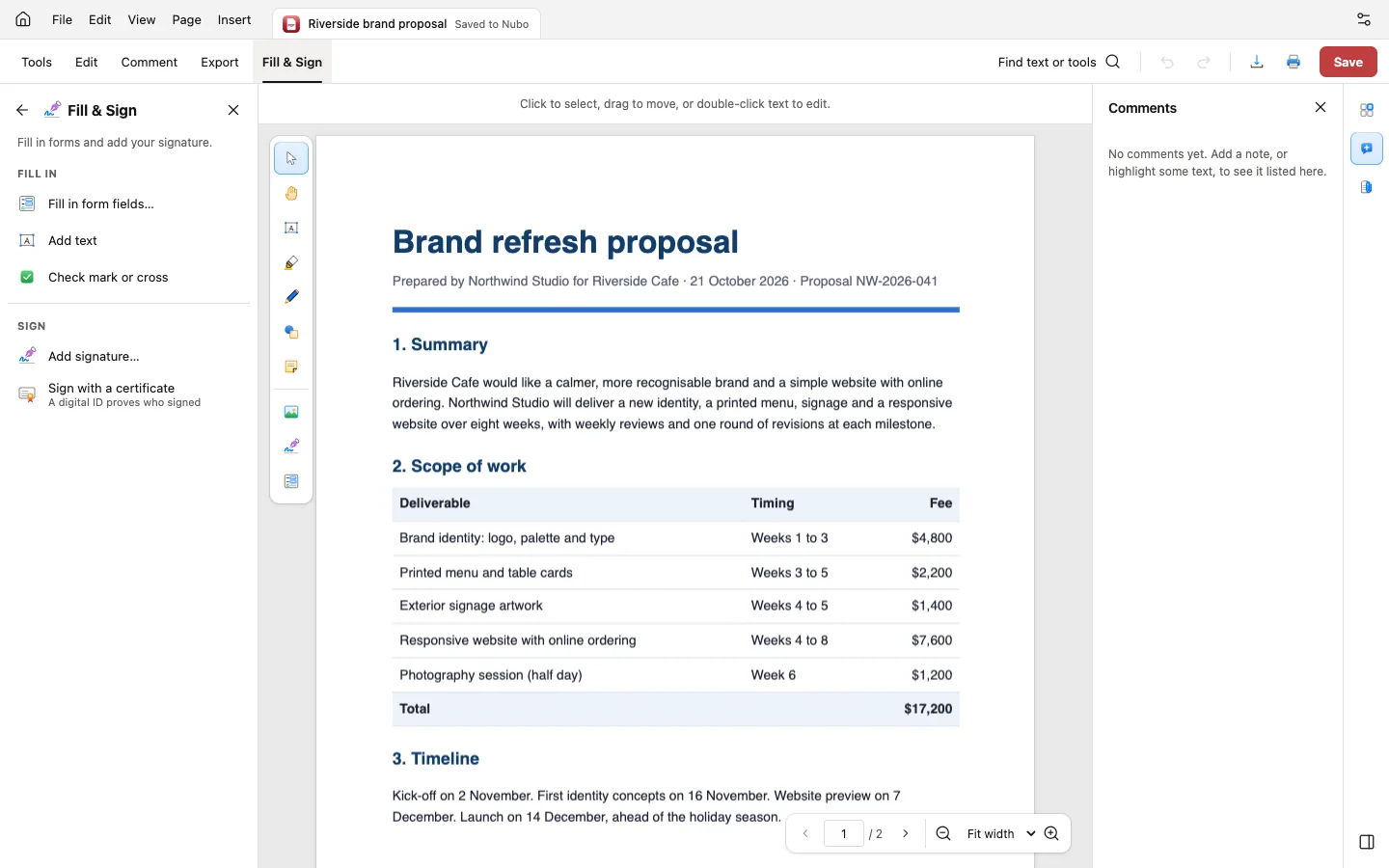
Remove what must not be seen.
Mark text, areas or whole pages, or find phone numbers, emails, card numbers and dates. Applying removes the underlying text, pixels, links and comments.
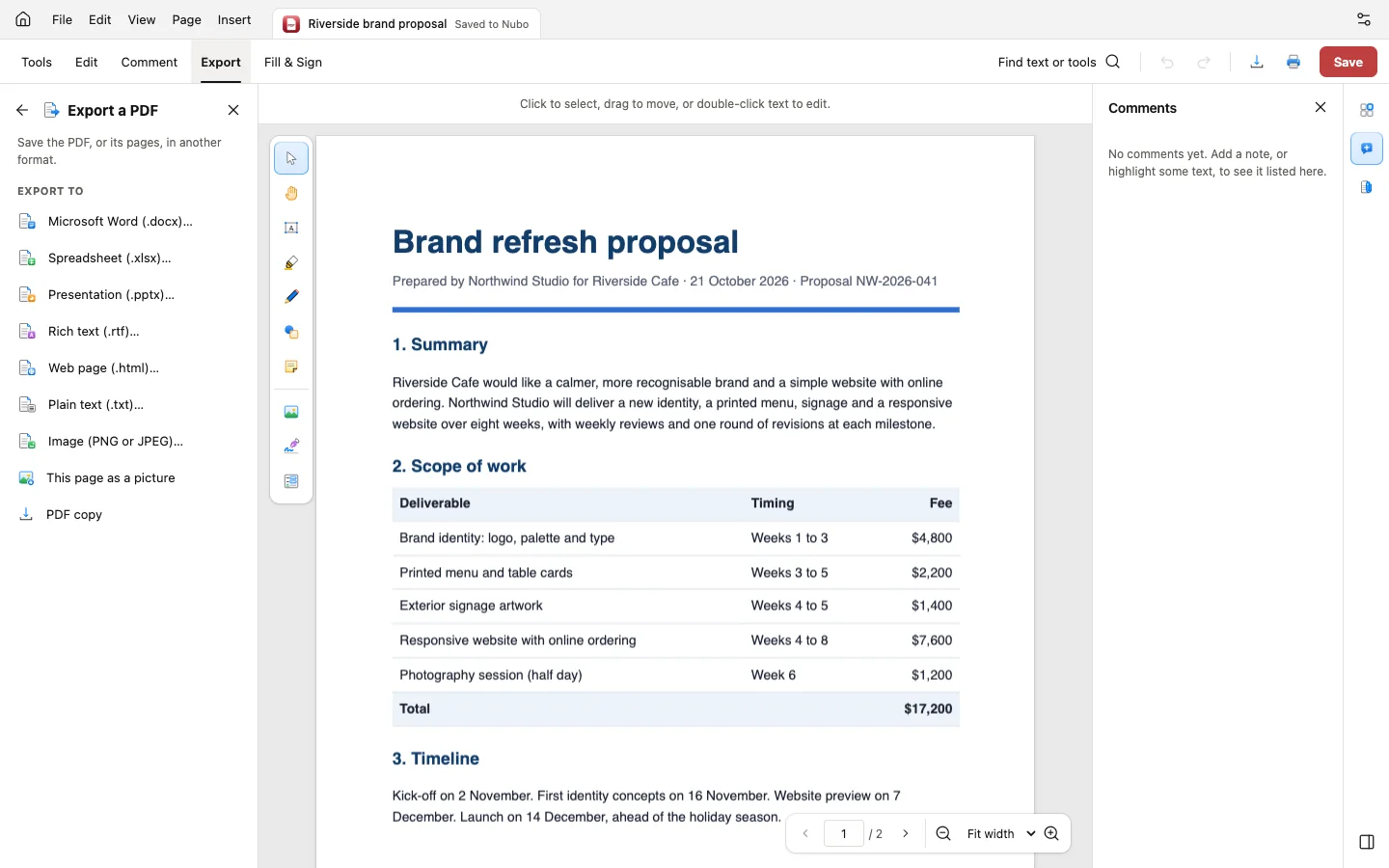
And everything around it.
Compare
Two versions side by side with a report PDF of changes.
Accessibility
Check and fix tags, language, alt text and tab order.
PDF/A
Check compliance and save as PDF/A.
Measure
Distances and areas at a chosen scale, saved as comments.
Headers and watermarks
Page numbers, Bates numbering and watermarks.
Protected files
Open password-protected PDFs after entering the password.
Works with the rest of Nubo.
PDF shares your Nubo sign-in with every other app.




Frequently asked
- Does OCR work for any language?
- Scanned-text recognition currently handles English.
- Are my files uploaded to be edited?
- Editing runs in your browser. Files are saved to your Nubo files only when you choose to.
- Can I try it without signing in?
- Yes. Open a local file, edit, download and print without an account.
PDF is included in every plan.
Taxes are added at checkout where they apply. Compare plans