 Nubo Suite
From receipt to reimbursement.
Expense tracking for individuals and small teams. Record expenses with the receipt image attached, group them into reports that move through approval and reimbursement, and reconcile them against card or bank statements. Included in every Nubo plan, at one per-seat price for all apps.
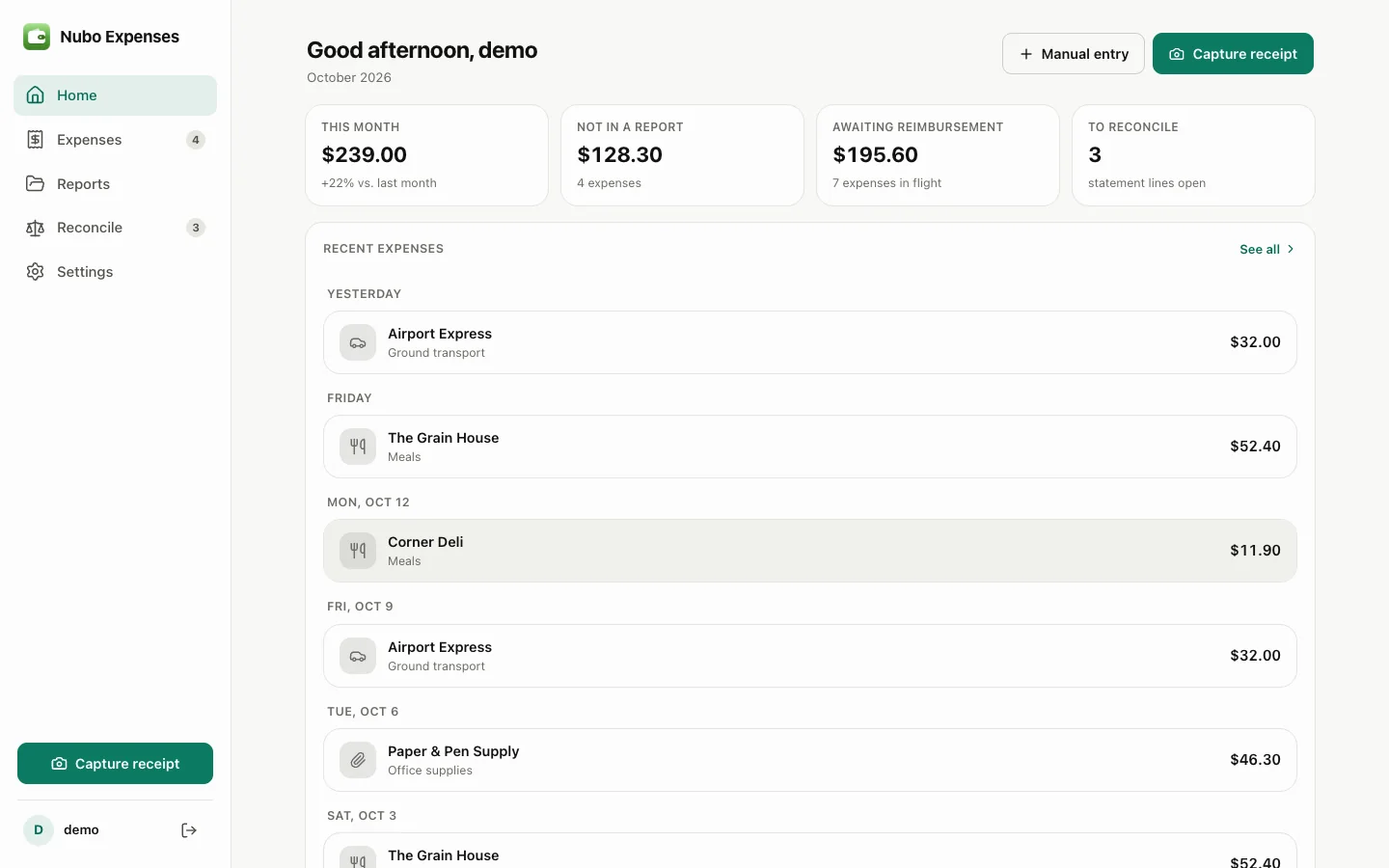
- Receipt imagesAttach a photo, PDF or pasted image to each expense.
- Expense reportsDraft, submitted, approved, reimbursed.
- Statement matchingImport a CSV and match charges with a confidence score.
- DashboardMonthly spend, category split and a six-month trend.
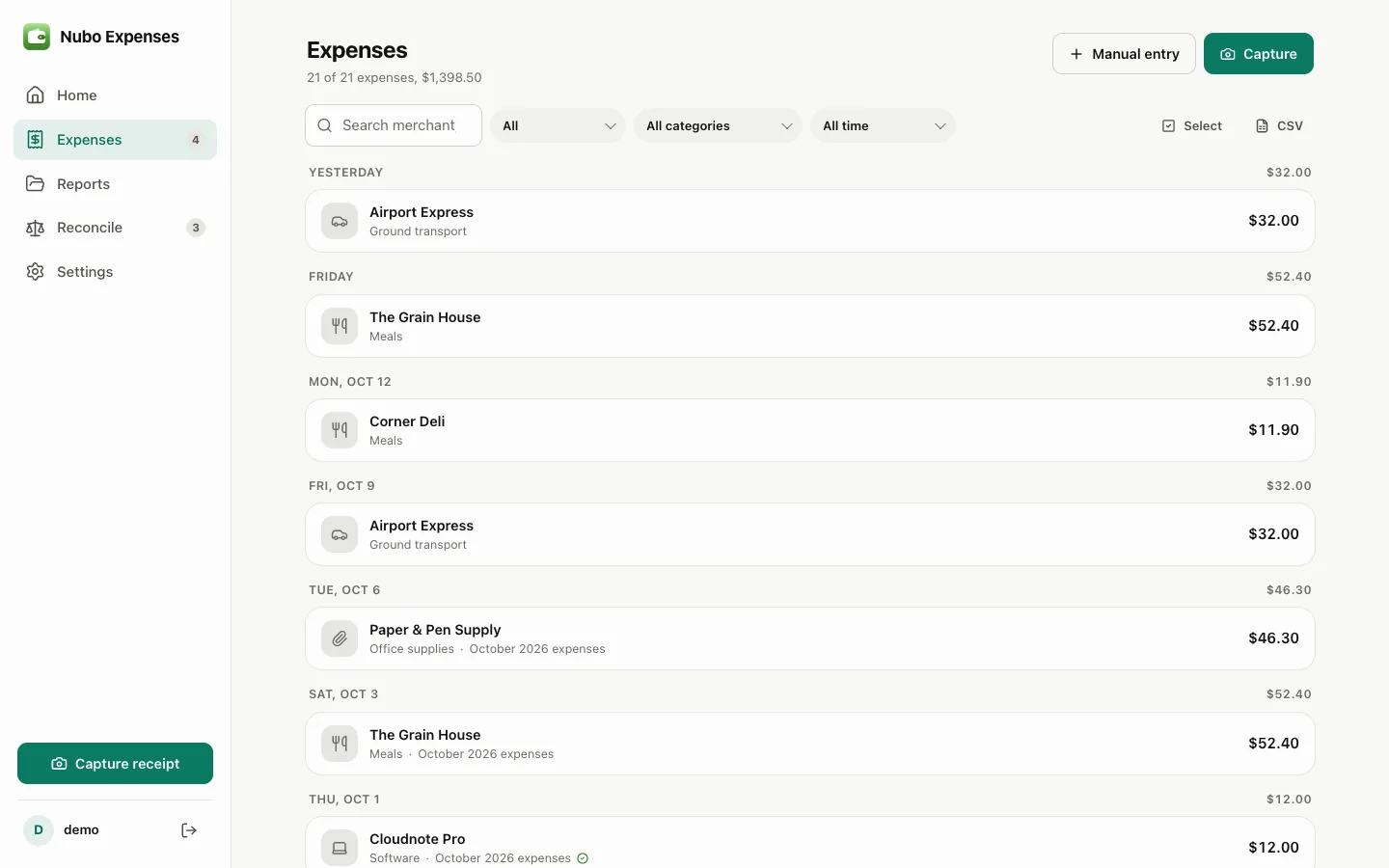
Keep every receipt with its expense.
Attach the receipt image and enter the merchant, date, total, tax and category. The image stays with the expense, so the proof is there when someone asks for it.
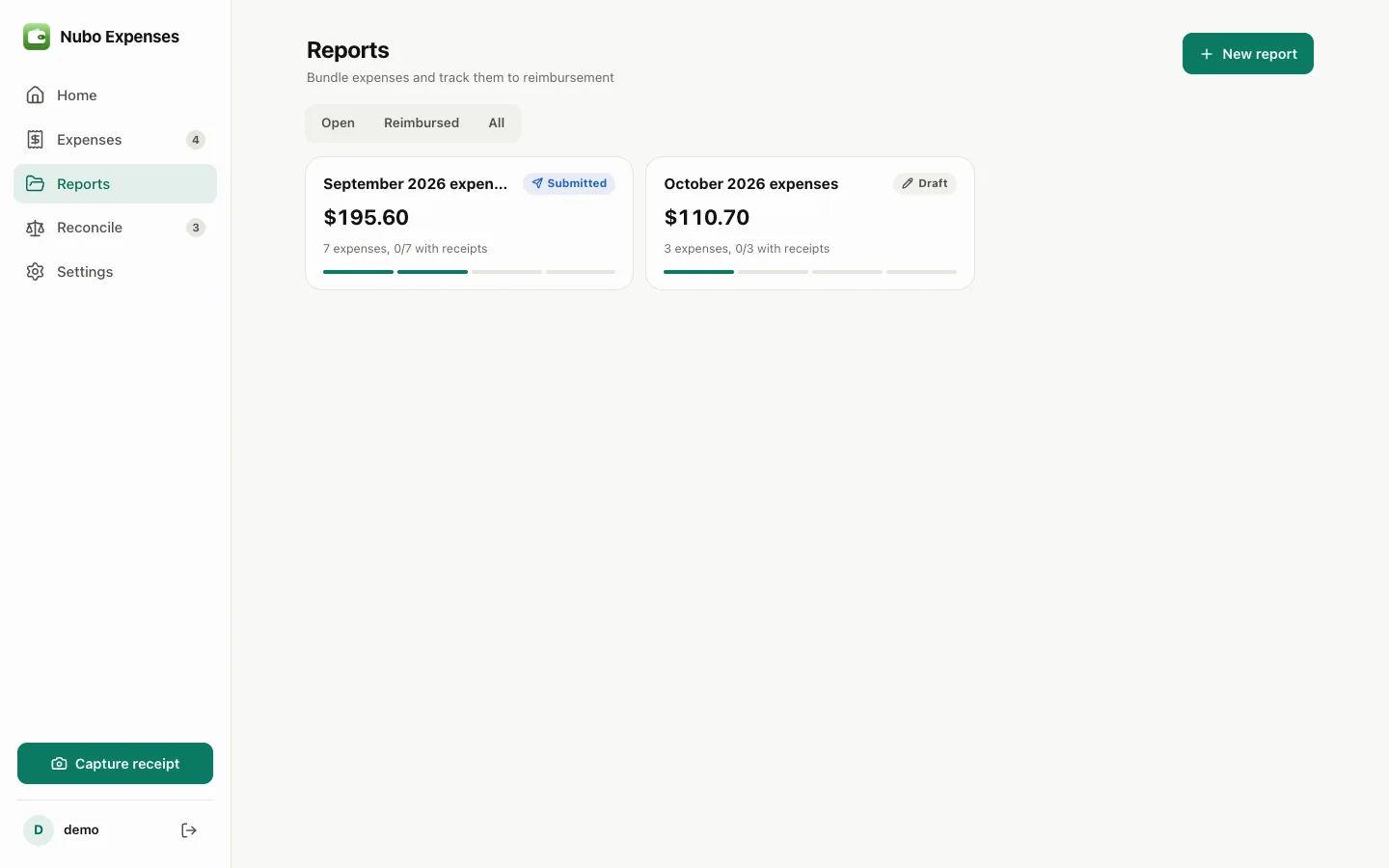
Bundle, submit, get repaid.
Select expenses into a report and move it through submission, approval and reimbursement. Expenses in a submitted report are locked.
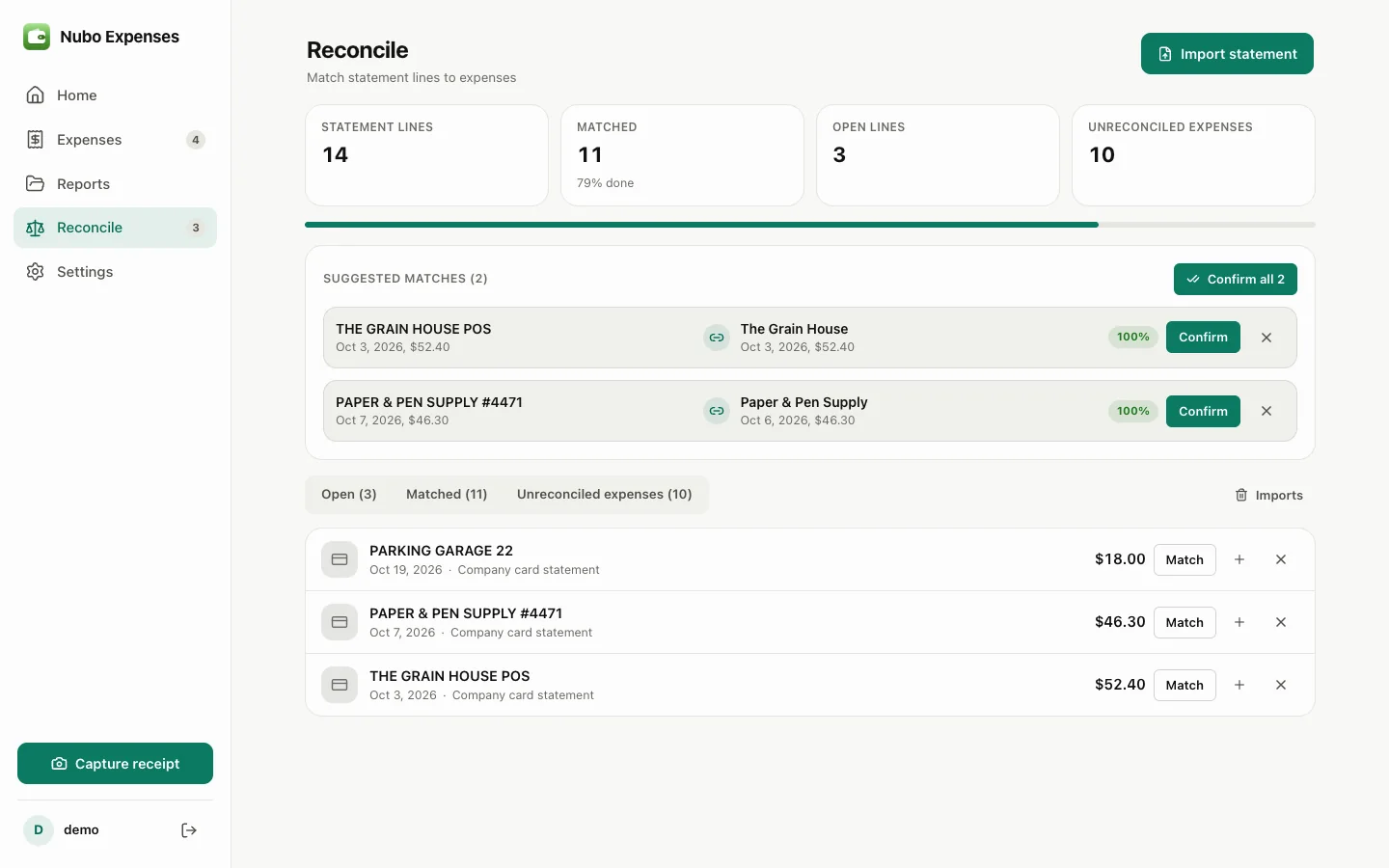
Check every charge has a receipt.
Import a card or bank statement and lines are matched to expenses by amount, date lag and merchant words. Create an expense straight from an unmatched charge.
And everything around it.
Missing receipts
Filter for expenses that still have no receipt attached.
Duplicate guard
Duplicate statement lines are skipped on import.
CSV and print
Export what is on screen or print a single report.
Keyboard shortcuts
Press n to add an expense with its receipt.
Sample data
Try three months of demo expenses, then start fresh.
Phone friendly
A capture button and bottom tab bar on mobile.
Works with the rest of Nubo.
Expenses shares your Nubo sign-in with every other app.



Frequently asked
- Does it read receipts for me?
- Not yet. Reading a receipt needs an AI service this Nubo does not have, so you enter the details yourself and the image is kept with the expense.
- Where are receipt images kept?
- In your own Nubo files, with each expense.
- What steps does a report go through?
- Draft, submitted, approved and reimbursed. A submitted report can be withdrawn back to draft, and its expenses are locked while it is submitted.
Expenses is included in every plan.
Taxes are added at checkout where they apply. Compare plans