Looking for an Adobe Illustrator alternative?
Nubo Vector is a vector drawing app in the browser, with pen, pencil and shape tools, artboards, layers, gradients and type, and live co-editing. It opens SVG, PDF and EPS files and exports SVG, PDF and PNG. Below are Illustrator’s list prices as read on 15 November 2026, what Nubo costs in your currency, and when Illustrator is the better choice.
Adobe Illustrator and Nubo prices
Adobe Illustrator list prices
| Plan | Price | What it is for |
|---|---|---|
| Illustrator | US$22.99 | per month, annual plan billed monthly |
Prices read on 15 November 2026; the sources are listed at the foot of this page. Prices as listed by the vendor; check tax treatment on its page. Adobe Illustrator plans and prices change; check the vendor’s page before you decide.
 Nubo prices in GBP
| Plan | Price | What it is for |
|---|---|---|
| Nubo Vector Pro | £4 | per user per month, billed annually, £5 billed monthly |
Nubo prices exclude tax. Taxes are added at checkout where they apply. Also included in Nubo One. See all Nubo prices.

Nubo Vector
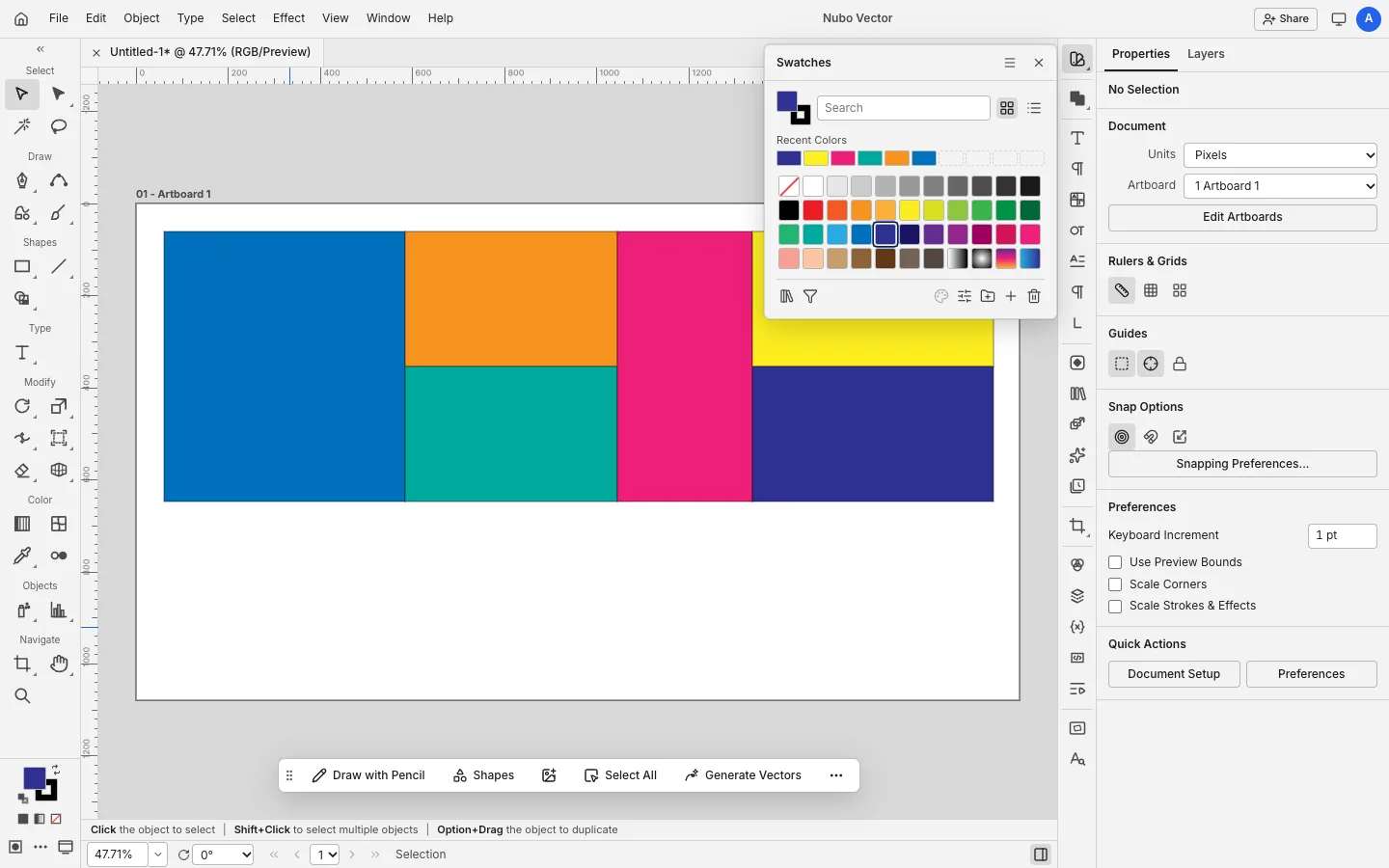
A vector drawing app for designers and illustrators. Draw with pen, pencil and shape tools, organize work on artboards and layers, send it out as SVG, PDF or PNG, and invite others to edit live.
- Pen and shape tools. Pen, curvature, pencil, brushes and live shapes.
- Artboards and layers. Several artboards in one document, with version history.
- Open existing files. SVG, PDF, EPS, DXF and PSD images come in.
- Live co-editing. Invite people to edit with presence and roles.
Vector: all features
- Tools that clean up as you go.. Sketch Shape turns rough gestures into clean shapes. Shape Builder, Knife, Join and Path Eraser reshape artwork, and effects stay editable instead of baking in.
- Gradients, patterns and brushes.. Use linear and radial gradients, gradient mesh, pattern editing and calligraphic, scatter and art brushes. Recolor artwork from a palette with Color Guide.
- Export for the screen or the printer.. Export SVG, PDF, EPS, PNG, JPEG, WebP, TIFF and DXF, or use Export for Screens and Asset Export. Print with marks, bleed and tiling.
How to move from Adobe Illustrator
Open SVG, PDF and EPS files in Nubo Vector; PDF pages open as artboards with paths, colours, gradients and text kept editable. For .ai files, save them as PDF-compatible in Illustrator first.
Nubo has no one-click migration tool and no mailbox import. See the switching guides for what moves and what does not.
Questions
- What is Nubo Vector?
- A vector drawing app in the browser, with pen, pencil and shape tools, artboards, layers, gradients and type.
- Is Nubo Vector free?
- No. Vector is sold per user as a paid tier and is included in Nubo One. The price table above shows the current price in your currency.
- Which formats does Nubo Vector export?
- SVG, PDF, EPS, PNG, JPEG, WebP, TIFF and DXF, plus Export for Screens and Asset Export.
- How do I move my artwork from Adobe Illustrator to Nubo Vector?
- Open SVG, PDF or EPS files directly. Only .ai files saved as PDF-compatible open, so save them that way in Illustrator first.
Other jobs Nubo covers
- Zoom alternative
- Slack alternative
- Notion alternative
- Trello alternative
- Google Docs alternative
- Google Sheets alternative
- Airtable alternative
- QuickBooks alternative
- DocuSign alternative
- Miro alternative
- Postman alternative
- GitHub alternative
- Adobe Acrobat alternative
- Adobe Photoshop alternative
- AutoCAD alternative
- Onshape alternative
- Zoho Workplace alternative
- Zoho One alternative
- Zoho CRM alternative
- Zoho Desk alternative
- Zoho Books alternative
- Zoho Projects alternative
- Zoho Sign alternative
- All Nubo alternatives
- Compare Nubo with Microsoft 365, Zoho, Adobe and AutoCAD
- Switching guides
Adobe, Acrobat, Creative Cloud, Photoshop and Illustrator are trademarks or registered trademarks of Adobe Inc. Nubo is not affiliated with, endorsed by or sponsored by the owner of the Adobe Illustrator brand. The competitor prices above were read on 15 November 2026; page reviewed on 16 November 2026.
Sources
- Adobe Creative Cloud plans and pricing, read on 15 November 2026
- Adobe Creative Cloud plans (India page), read on 15 November 2026